CloudMonitor nonprofit pricing
Treat your Azure grant as an annual budget.
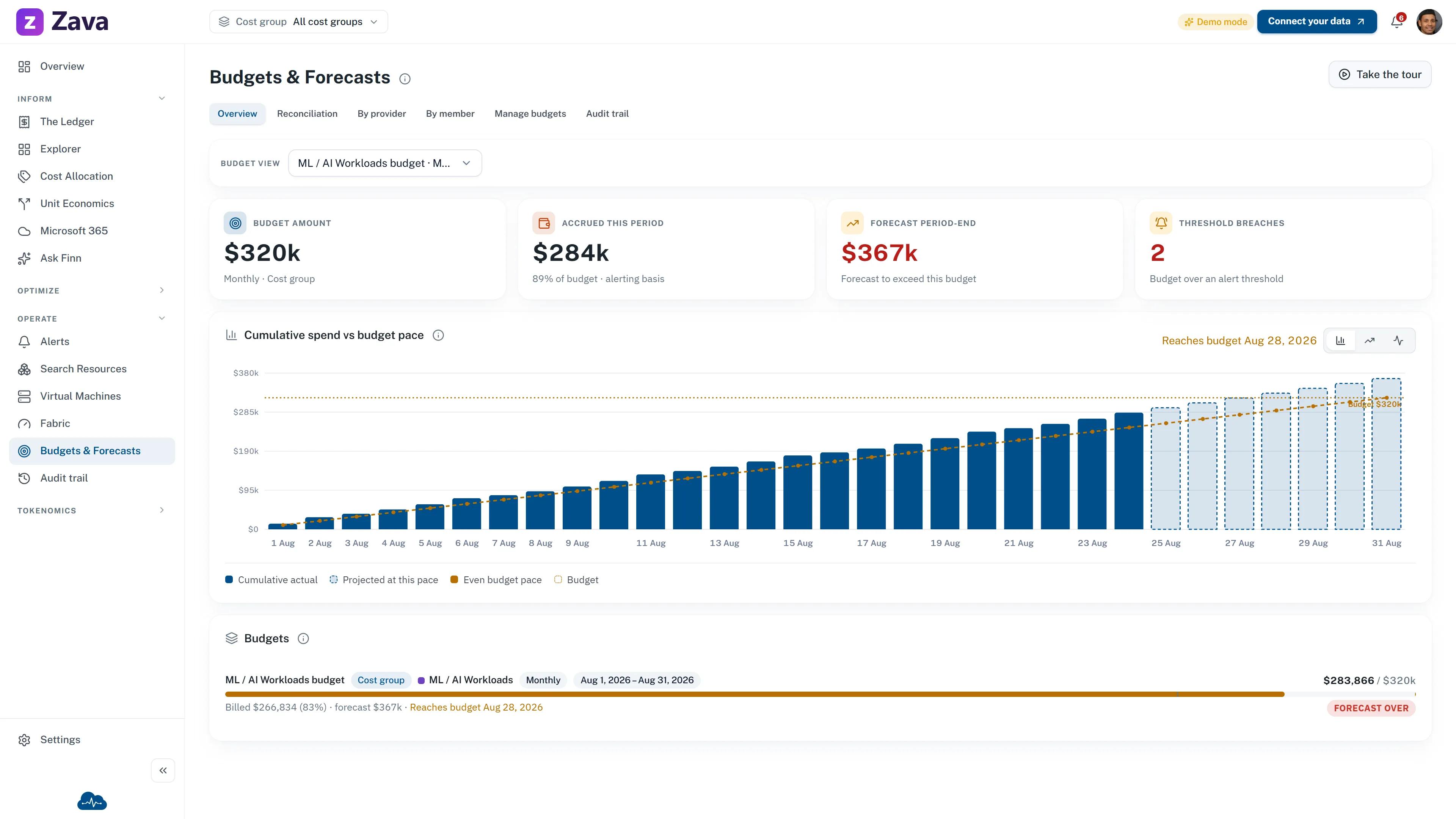
Microsoft sets grant eligibility and shows the remaining sponsorship credit. CloudMonitor compares an annual budget with accrued and forecast Azure consumption, so owners can review the gap before the period ends.
Keep the programs separate
Microsoft manages the credit. CloudMonitor manages the planning view.
Microsoft currently offers eligible, validated nonprofits a $2,000 USD annual Azure Sponsorship grant. Unused credit does not roll over, and additional consumption moves to Azure pay-as-you-go pricing. Microsoft controls eligibility, activation, renewal, and the sponsorship balance.
Check Microsoft's current Azure grant terms ↗ and eligibility guidance ↗.
Budget review
Review budget pace before the annual period ends.
CloudMonitor uses the Azure cost data available to the product. It provides a planning view, not the Microsoft sponsorship ledger.
- 01 Set the benchmark.
Enter the amount and annual period you want the team to review.
- 02 Compare the pace.
Review accrued cost beside the forecast for the end of the period.
- 03 Decide with owners.
Confirm the sponsorship balance in Azure, then review any action with the people who own the resources.
Check nonprofit pricing for your Azure estate.
Tell us about your organization and Azure footprint. We will confirm the CloudMonitor offer that applies.




