How it works
From Azure invoice to actionable savings — in under 15 minutes.
CloudMonitor is a hosted SaaS platform. Connect your FOCUS billing export, grant scoped read-only access, and your reports are live the same day — encrypted in transit and at rest, ISO 27001 + 9001 + 42001 certified.
15 min
Average install time
Read-only
Scoped to billing data
FOCUS 1.2
Billing schema native
ISO 27001
+ ISO 9001 + 42001 certified
Install path
Four steps from sign-up to savings.
Sign up for CloudMonitor
Create your CloudMonitor workspace and pick your data residency region — single click.
Connect FOCUS billing
Point CloudMonitor at your FOCUS 1.2 billing export in Azure Storage. Existing export? Reuse it.
Grant scoped read-only access
Authorize CloudMonitor to read your billing scope. No write permissions, revocable from your Azure portal at any time.
See savings in 24 hours
CloudMonitor backfills 14 days of usage data and starts surfacing recommendations within the first day.
Where your data lives
Your cost data never leaves your tenancy.
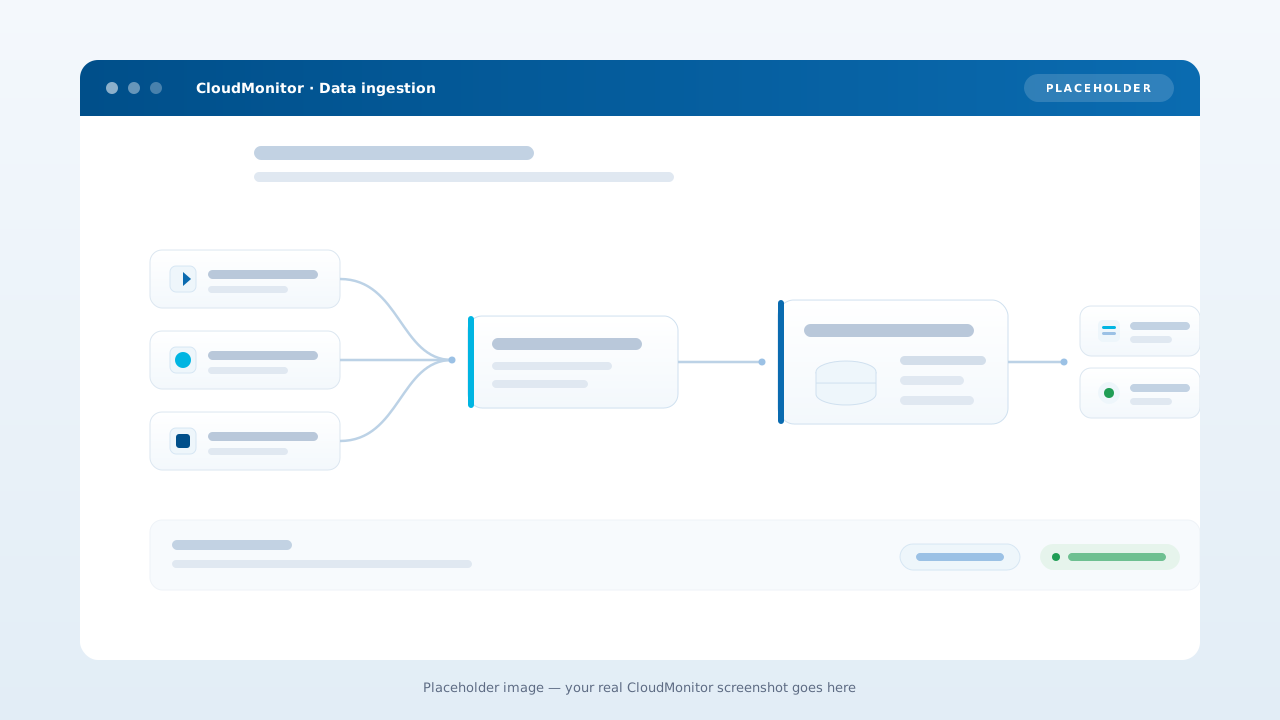
Azure Cost Management writes a FOCUS export to a storage account you own. CloudMonitor's managed Microsoft Fabric SaaS reads it in place through a OneLake shortcut — read-only, no second copy — then serves reports and Finn, the FinOps agent, to your people.
Data flow
Read-only by design, isolated in your region.
CloudMonitor reads your FOCUS export and Azure billing metadata under scoped, read-only access. Data is encrypted in transit and at rest, hosted in your chosen region, and isolated per customer.
- Scoped read-only access — no write permissions
- Encrypted in transit (TLS 1.2+) and at rest
- Regional data residency — pick where your data lives
- ISO/IEC 27001 and ISO 9001 certified
White-label
For CSP / MSP partners — rebrand and resell.
Partners can connect CloudMonitor to multiple customer billing scopes, rebrand the reports, and resell the offering with their own margin built in.
- Reports rebrandable in 1 hour
- Per-customer cost-group templates
- Bundle inside your managed Azure offer
- Co-marketing through Microsoft Partner channel
Partner deployment topology
One CloudMonitor workspace → many customer billing scopes → branded reports.
FAQ
Install & data flow questions
Do we host any infrastructure in our Azure tenancy?
Next to nothing. CloudMonitor's platform runs entirely in our Microsoft Fabric tenancy — no Fabric capacity for you to license, no Hubs deployment, no compute or managed app in your tenant. The only Azure resource you create is one storage account that receives your scheduled cost exports; CloudMonitor reads it in place and needs nothing else. The annual license covers the Fabric capacity we run for you, and your team just gets a hosted SaaS URL and a Fabric app.
Where is our data stored?
CloudMonitor is a hosted SaaS platform running in our Microsoft Fabric tenancy. Your billing data stays in the storage account you own. CloudMonitor reads it in place through a OneLake shortcut, read-only, and never makes a second copy. The CloudMonitor environment that reads it and serves your reports runs in the data residency region you choose at sign-up — encrypted in transit and at rest. Every customer gets a dedicated Microsoft Fabric workspace, so your data lives in its own isolated workspace and is never co-mingled with another customer's. CloudMonitor staff access is restricted, audited, and gated by least-privilege controls, and only your authorized users see your reports.
How does our Azure billing data reach CloudMonitor?
You configure a FOCUS cost export to an Azure Storage account in your tenant and grant CloudMonitor scoped read-only access to it. CloudMonitor ingests that export into your dedicated Microsoft Fabric workspace, where it becomes your reports. Only billing and resource metadata moves — never the data inside your resources. See the Information Trust Center for the full data-flow detail.
What level of Azure access do you need?
Read-only, scoped to your billing data. You can limit it to specific subscriptions and revoke it from the Azure portal at any time. CloudMonitor has no write access to your workloads or the data inside your services. The one exception is a tightly scoped management role on the single storage account that receives your cost exports, used only to set up that export. Nothing else in your environment is writable by CloudMonitor.
Does it support FOCUS 1.2?
Yes. FOCUS is the native schema, and CloudMonitor always tracks the latest version Microsoft Cost Management exports — currently FOCUS 1.2, which Azure publishes as its 1.2-preview schema alongside the generally available 1.0 export. See Microsoft's FOCUS metadata reference for the current Azure schema. If you already have a FOCUS export in Azure Storage, CloudMonitor reads it directly. As we add Amazon Web Services and Google Cloud, we'll support the latest published FOCUS specification for those clouds too — so your Azure, AWS, and GCP spend all normalize to one schema.
How long does setup take?
Most customers are live within 15 minutes — the setup guide walks through each step. The longest step is usually getting access approval through your change-management process.
How long does it take to stand up an Azure FinOps practice with CloudMonitor?
Connection takes under fifteen minutes — sign up, point CloudMonitor at your FOCUS billing export, grant scoped read-only access to the billing scope. The first set of reports populates the same day. A FinOps Assessment in the admin app gives a Crawl, Walk, Run baseline per Capability after the first refresh, so you can plan the practice maturity path from week one.
Fit for purpose
A cost explorer for Azure subscription data.
Fit for purpose
Built to monitor Azure subscription cost.
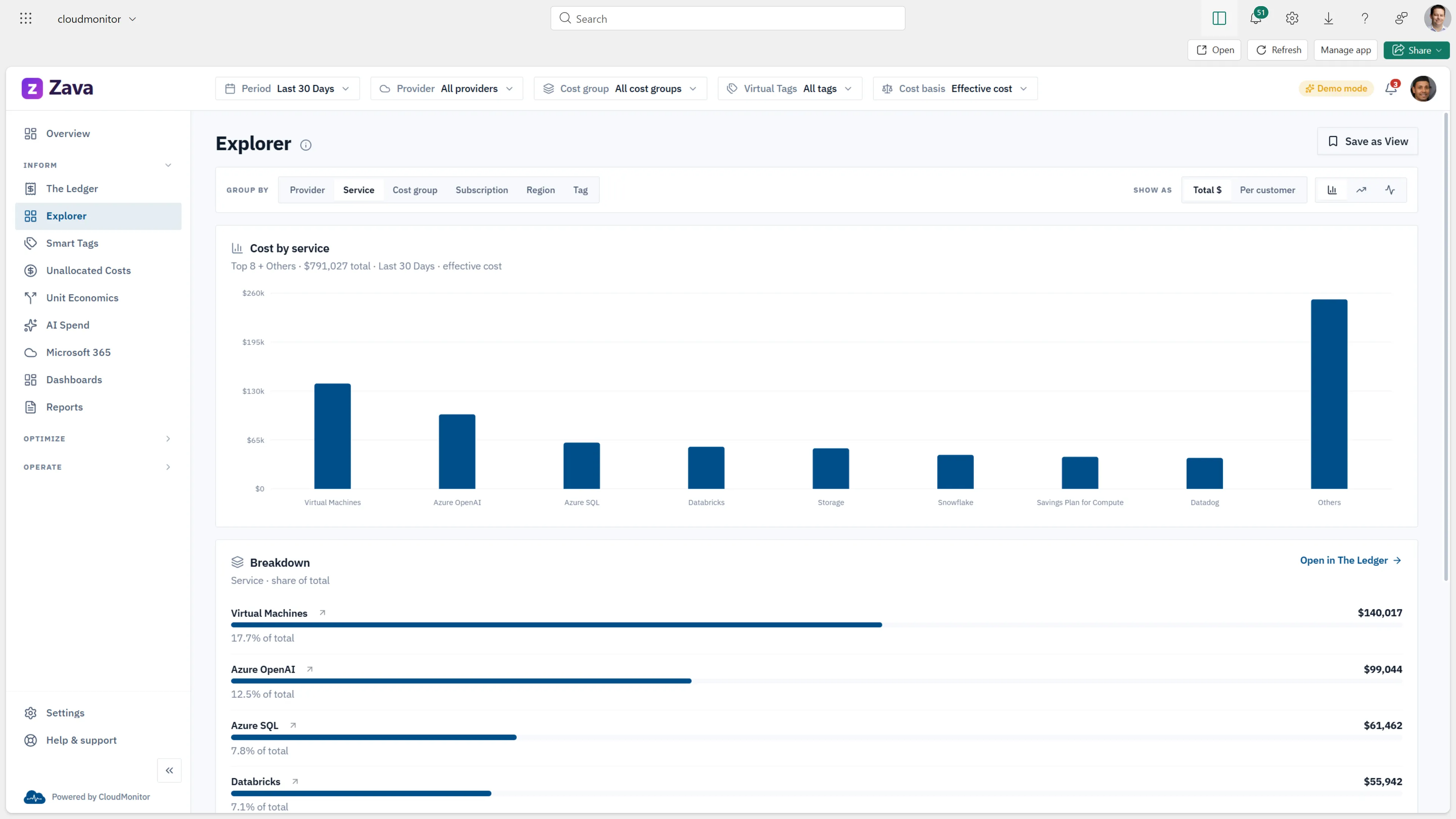
CloudMonitor reads your billing through scoped, read-only access and turns it into reports your finance and engineering teams actually use — no agents in your tenant, no resources to manage.
- Read-only access — CloudMonitor never changes your Azure resources
- Hosted in our Microsoft Fabric tenancy — nothing to license your side
- Pre-built reports covering every cost group, tag, and owner
Install in 15 minutes. See savings in 24 hours.
Try the beta with your data — read-only access, no install required.