announcement
CloudMonitor adds Copilot, OpenAI, Claude, and Cursor connectors
Four new AI provider connectors land in CloudMonitor — covering the developer tools and APIs driving the fastest-growing line on the 2026 cloud bill.
CloudMonitor now connects directly to GitHub Copilot, OpenAI, Anthropic Claude, and Cursor — the four AI provider surfaces driving the bulk of dev-team AI spend in 2026. Paste an Admin API key, wait for the 14-day backfill, and your AI cost dashboard goes live.
Why now
The State of FinOps 2026 Report finds that 98% of FinOps teams now actively manage AI spending — up from 31% just two years earlier. AI cost is no longer a side project; it is the single fastest-growing category in most cloud bills, and the one most existing FinOps tools have no native integration for.
Existing AI cost coverage in CloudMonitor focused on Azure OpenAI deployments and GPU SKUs — the part of AI spend that lands on the cloud bill. That left a gap: the developer tools and direct AI APIs that bypass cloud billing entirely. GitHub Copilot is invoiced through GitHub. OpenAI and Anthropic charge their own credit cards. Cursor lives outside the cloud entirely. None of them show up on an Azure or AWS bill.
This release closes that gap.
What ships today
Four direct connectors, available today on every CloudMonitor plan:
- GitHub Copilot (Business and Enterprise) — seat allocation, per-user acceptance rates, completion volume by editor and language, IDE chat counts, and pull request summary counts. Daily refresh at 06:00 UTC.
- OpenAI — token usage and dollar cost across Chat, Completions, Embeddings, Images, Audio, Moderations, Vector Stores, and Code Interpreter. Reasoning tokens from the o-series surface as a derived Thinking tokens KPI. Hourly polling.
- Anthropic Claude — uncached input, cache writes (1.25× or 2× the standard input rate depending on TTL), cache reads (0.1× the standard input rate), and output tokens by workspace and model. Service tier split (standard, priority, batch) exposes the 50% batch discount channel. Hourly polling.
- Cursor — paid seat count, per-developer model mix, included vs overage split. Daily polling.
Each connector ingests token counts, model names, and identifiers only — never prompt or completion content. API keys never leave a tenant-scoped vault; they are encrypted at rest with TLS 1.2 in transit.
The five KPIs
Once at least one connector is live, your AI cost page shows the same five numbers in Power BI and the Admin App:
- Total AI spend across every connected provider
- Cost per developer — blended and deduplicated across providers
- Model mix — share by frontier, mid, and entry tier
- Cache hit rate — Anthropic and OpenAI prompt cache utilization
- Batch percentage — share of spend through batch APIs
Below the header strip, four drill-down tabs: Spend, Developers, Efficiency, Forecast.
The hidden levers
Every team running modern AI workloads is leaving money on the table in two or three places. The connectors surface them as actionable reports.
- Prompt caching. Anthropic charges cache reads at 0.1× the standard input rate. OpenAI similarly heavily discounts cached input. A cache hit rate above 30% is healthy on workflows with long system prompts. Most teams sit under 10%.
- Batch APIs. Both OpenAI and Anthropic offer 50% off on batch. If you have async work — back-fills, evaluations, document summarization — and your batch percentage is under 10%, you are paying twice for the same work.
- Model mix. Every point of frontier-model spend (Opus, GPT-5, Gemini Ultra) shifted to entry-tier (Haiku, GPT-5 Nano, Gemini Flash) without quality loss is roughly 10× cheaper.
- Context cliff. Requests above 200K tokens trigger 2× input pricing on most providers. Often unintentional — a chunked retrieval gone wrong.
- Sandbagged seats. Paid Copilot seats with under 10% acceptance rate look the same on the invoice as power users. The true cost per accepted line is enormous.
- Adoption gap. Paid seats with zero acceptance in 30 days. Direct dollar recovery.
Gamification, on your terms
Reports tell the story; behavior changes it. CloudMonitor adds opt-in surfaces on top of the AI cost dashboard:
- Token Maxer Leaderboard — ranked by efficiency (output-tokens-per-dollar), not raw spend. The top maxer is the smartest user, not the heaviest.
- AI Cost Cup — monthly inter-team competition: cost per pull request merged. Trophy delivered to your Teams channel.
- CFO Weekly Digest — five numbers in a Teams card every Monday: total AI spend, MoM percentage change, top team, top model, biggest waste signal.
- Savings Estimator — recomputed weekly. “If you ran 40% of jobs on Batch and switched 25% of Opus calls to Haiku, you would save $X per month.”
Default to anonymized; flip to named per team. Regulated industries can leave the surfaces off entirely and stick to reports.
What is next
- Next quarter — AWS Bedrock, GCP Vertex AI, Azure OpenAI direct attribution, Windsurf, Aider, JetBrains AI Assistant.
- After that — per-PR and per-feature cost attribution via the LiteLLM proxy integration (private preview now).
Get started
- Install the connector for your largest AI spend — for most teams, that is OpenAI or Anthropic.
- Verify the 14-day backfill matches your provider’s own usage dashboard.
- Wait one full day. Watch the dashboard fill in.
Read the capability overview · How to connect GitHub Copilot · Try a live demo
Included on Starter, Enterprise, and CSP / MSP plans at no add-on cost. See pricing.
Keep reading
Finops
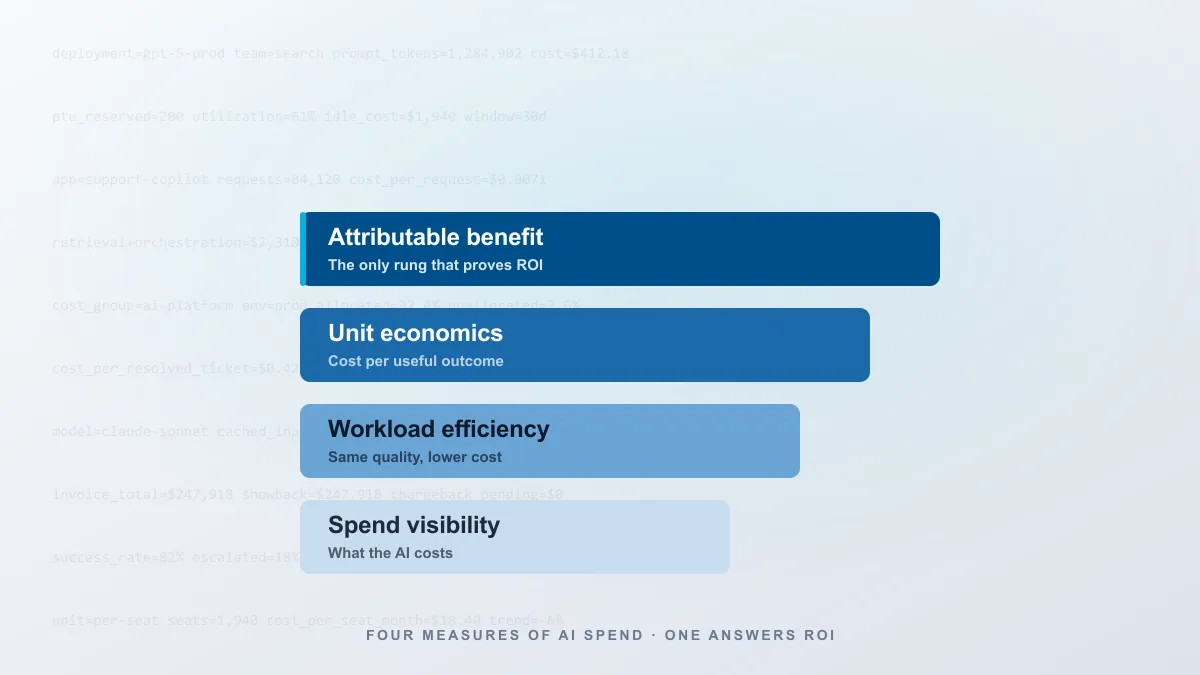
AI ROI: What cost data can—and cannot—prove
Build a defensible ROI calculation by separating spend visibility, workload efficiency, unit economics, and attributable business benefit.

Announcement
Data-Driven AI is Certified in the Claude Partner Network
View the official Certified Services Partner badge for Data-Driven AI, the company behind CloudMonitor, and read about its Claude recognition.
Announcement
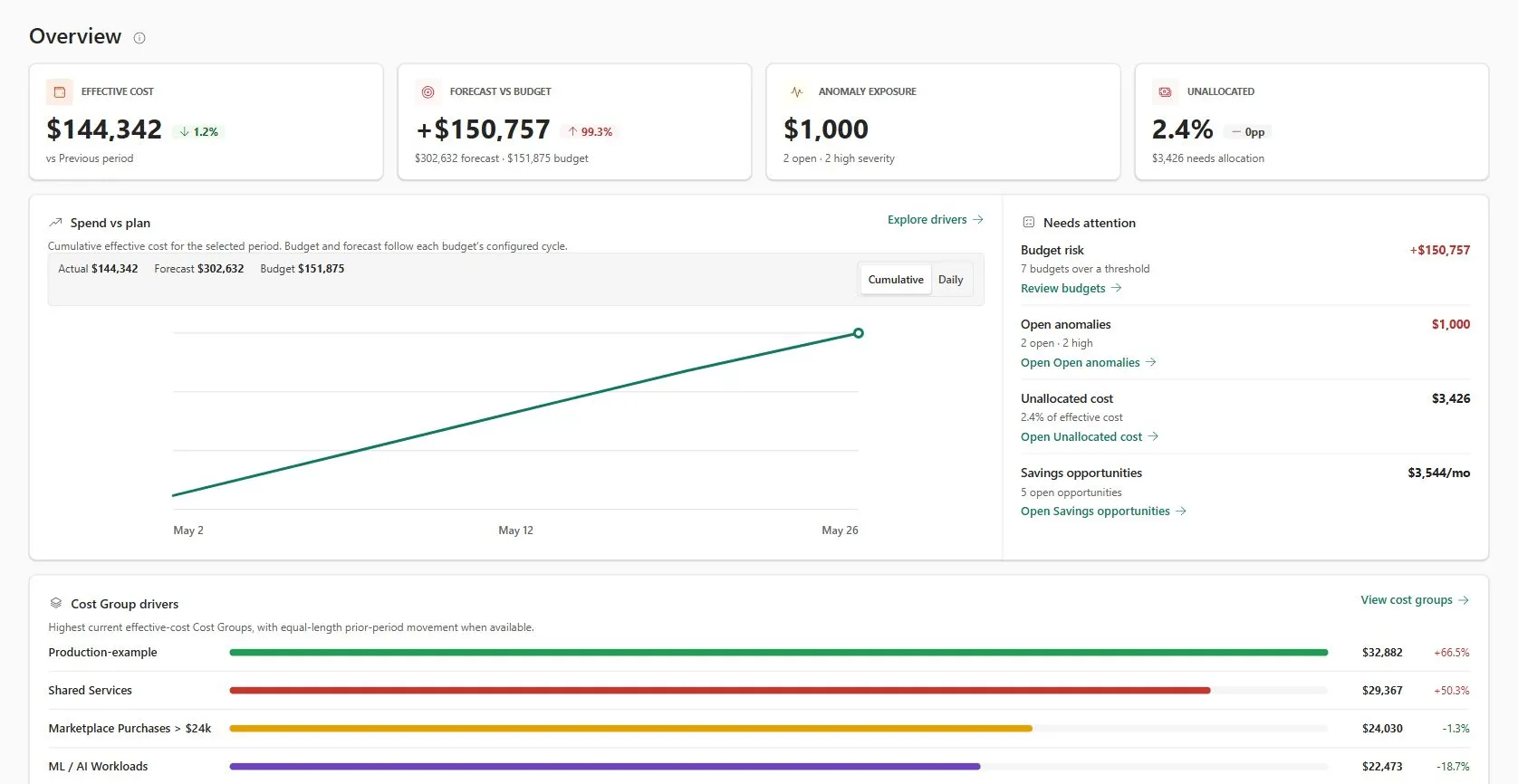
Data-Driven AI Launches CloudMonitor FinOps Workload for Microsoft Fabric
Built with the Microsoft Fabric Extensibility Toolkit and backed by a Microsoft Marketplace SaaS offer, CloudMonitor provides FOCUS-aligned Azure and Fabric cost intelligence directly inside the Fabric workspace.