Domain 2 · Quantify Business Value
See which Azure budgets are heading over.
CloudMonitor projects period-end spend from the current run rate. Compare that projection with each budget's period, scope, and cost basis before your team acts.
Current calculation
Extend today's run rate to the end of the budget period.
CloudMonitor uses spend already recorded in the period. It divides that total by the days elapsed, then extends the daily rate across the full period.
The result answers one useful question: if the current pace continues, will this budget finish over its limit?
Documented run-rate calculation
Review the signal
Confirm the inputs before you change the plan.
A forecast is a pacing signal, not an instruction. Keep the scope and calculation attached while finance and the cost-group owner decide what happens next.
-
Check the budget period and scope.
Monthly, quarterly, and annual budgets can sit side by side. Never add them together.
-
Confirm the cost and alerting basis.
Use the cost basis that matches the decision, then check whether the budget evaluates accrued or billed spend.
-
Compare the projection with the threshold.
A forecasted threshold shows when the projected run rate crosses the percentage configured for that budget.
-
Review the driver with the owner.
CloudMonitor does not cap spend or change Azure resources. Your team decides whether the pace is expected or needs action.
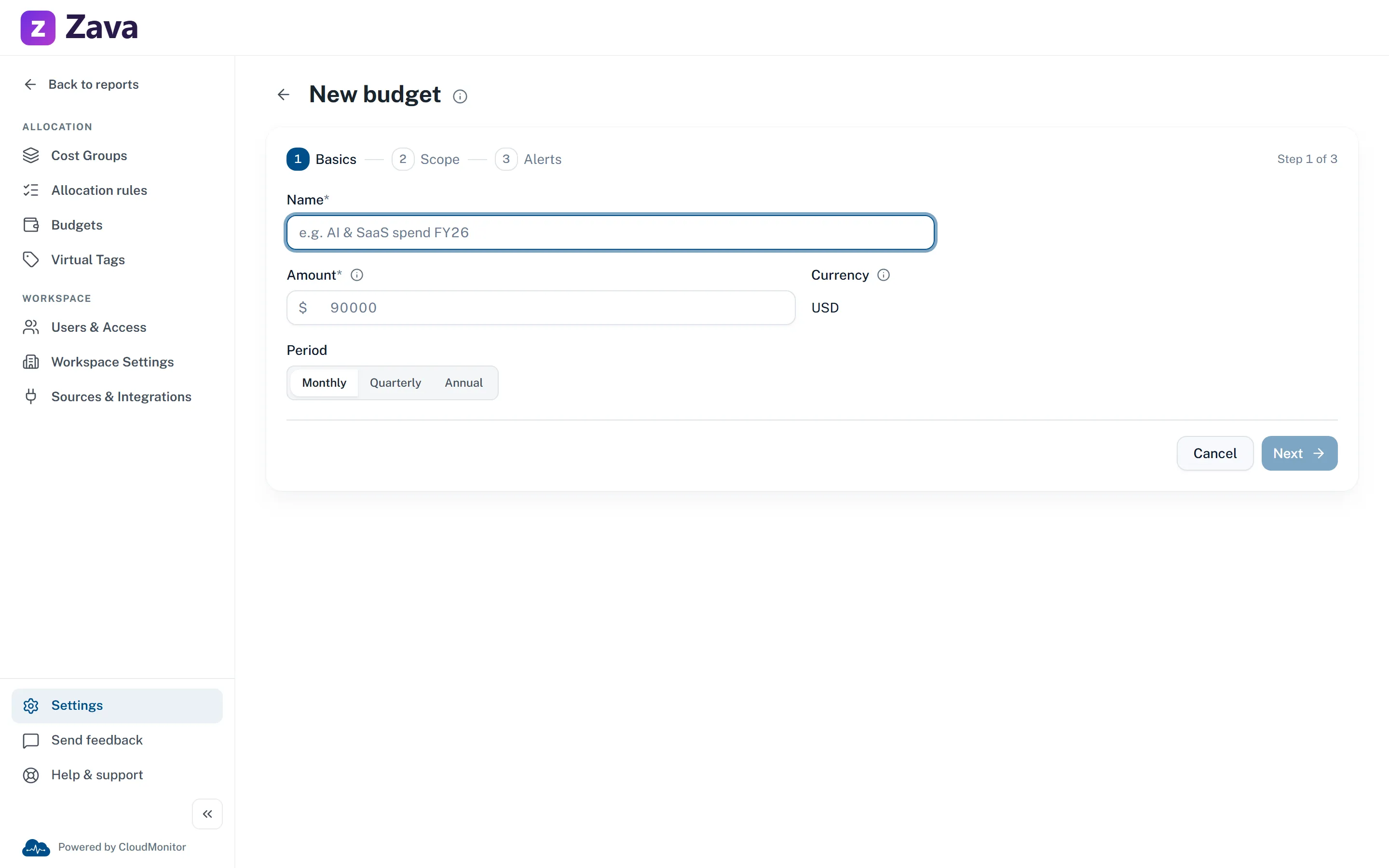
Set the question
The budget determines what the forecast measures.
- Period
- Choose a monthly, quarterly, or annual cycle. The report projects to that period's end.
- Scope
- Track the whole organization or one cost group. Provider filters can narrow the budget further.
- Threshold
- Actual thresholds watch spend already incurred. Forecasted thresholds watch the projected run rate.
Current boundary
Use the projection for pacing, not certainty.
CloudMonitor currently presents a simple run rate. It does not model seasonality, a planned migration, or another known change in demand.
No confidence interval. Treat the result as one projected pace, not a statistical range.
No automatic delivery yet. CloudMonitor evaluates thresholds in the report, but Teams, email, and webhook delivery are not connected.
No automatic action. A budget is an alerting target. It does not stop, throttle, or reconfigure Azure services.
Source: this page interprets the Quantify Business Value domain published by the FinOps Foundation, licensed under CC BY 4.0. The wording, examples, and product mapping on this page are CloudMonitor’s own.
Check which budgets are projected to exceed their limit.
Connect CloudMonitor to your Azure data, review the current run rate, and confirm the scope before your team acts.




