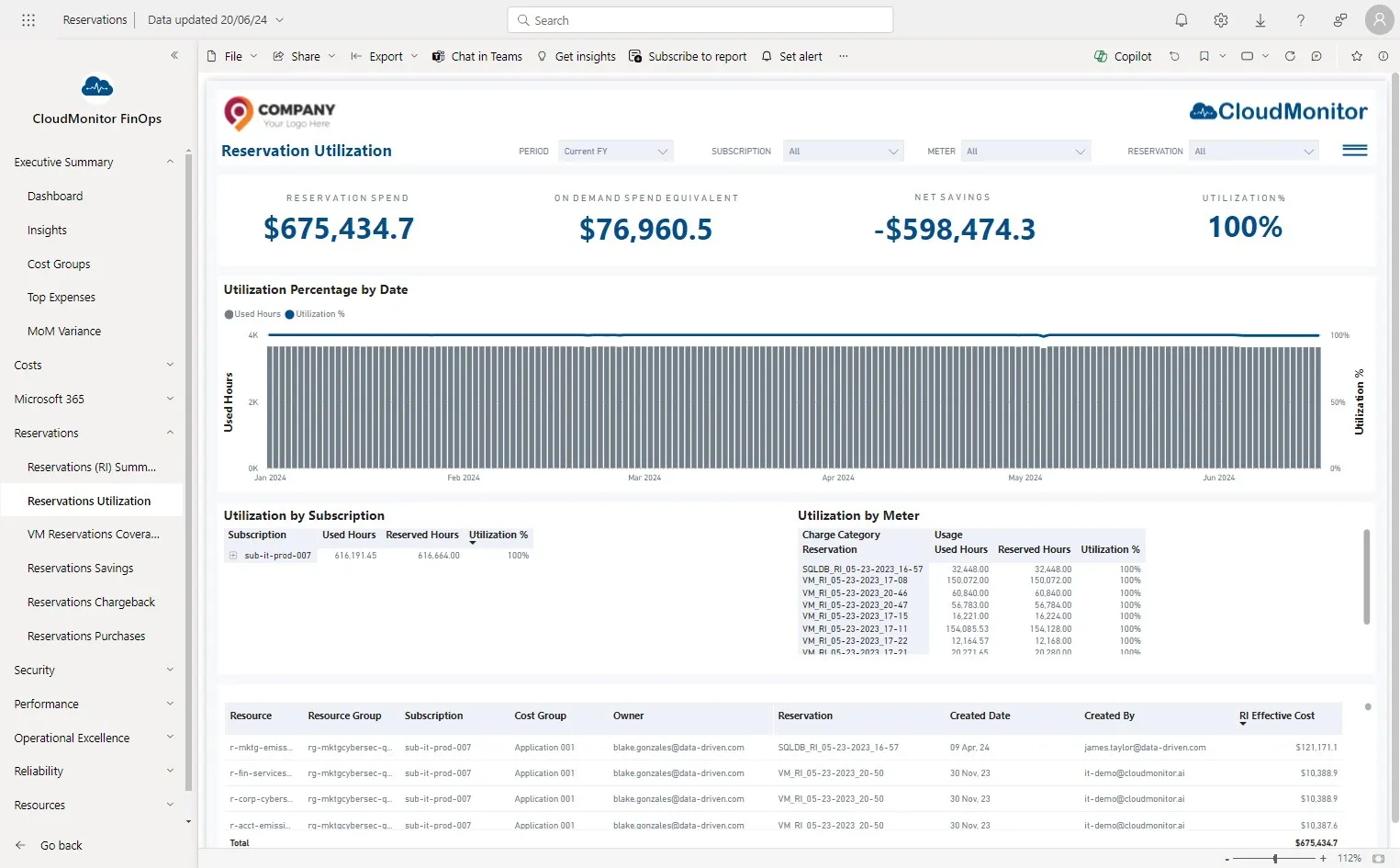
Verify Reservation savings are appearing
CloudMonitor provides a valuable feature by calculating the savings you achieve through the utilization of reservations in Azure. This functionality allows you to accurately assess the cost benefits gained from leveraging reservations for your cloud resources. Below step-by-step guide is to ensure whether savings are populating correctly,
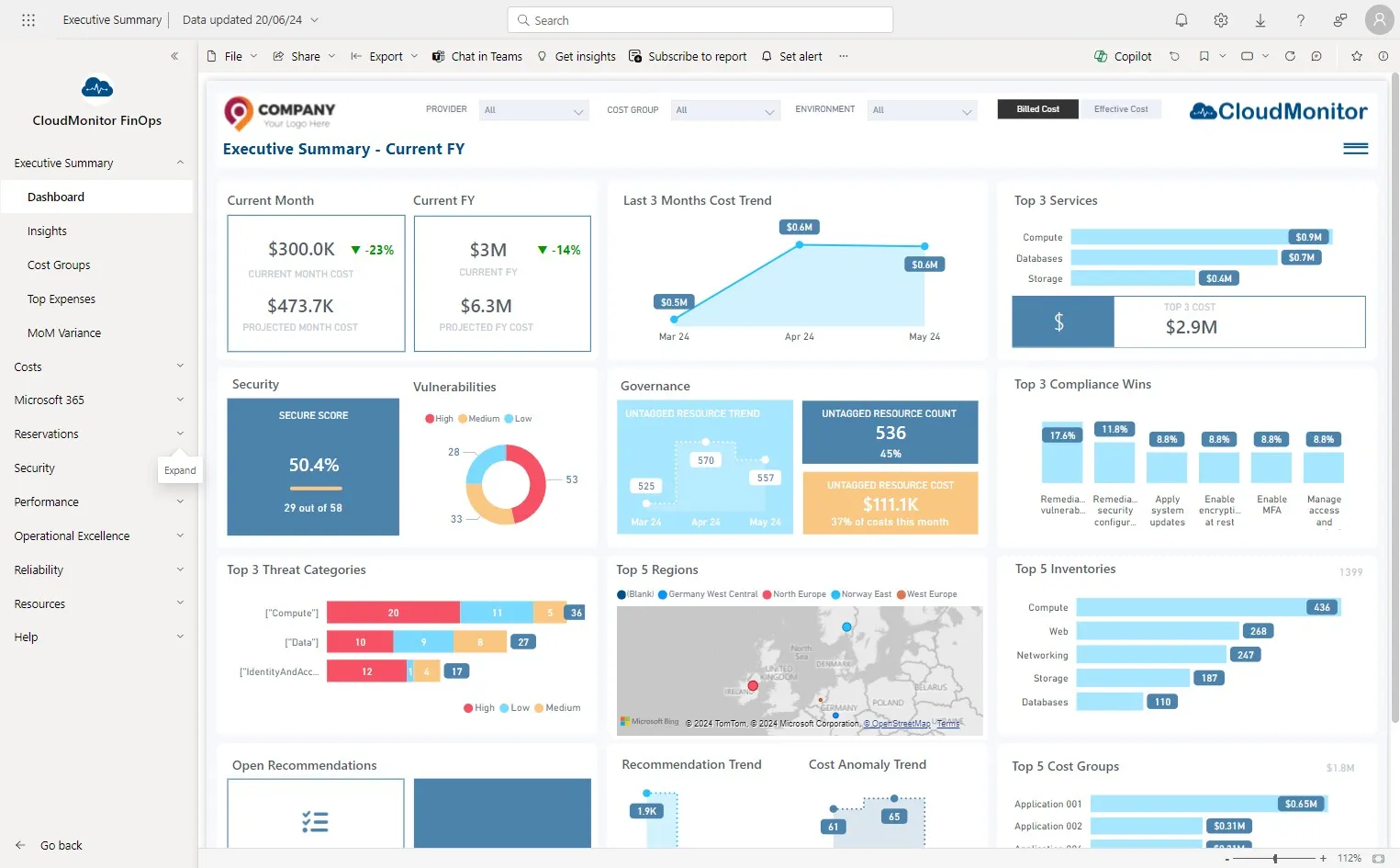
Step 1
Section titled “Step 1”Navigate to Power BI app and click on “Reservations”.
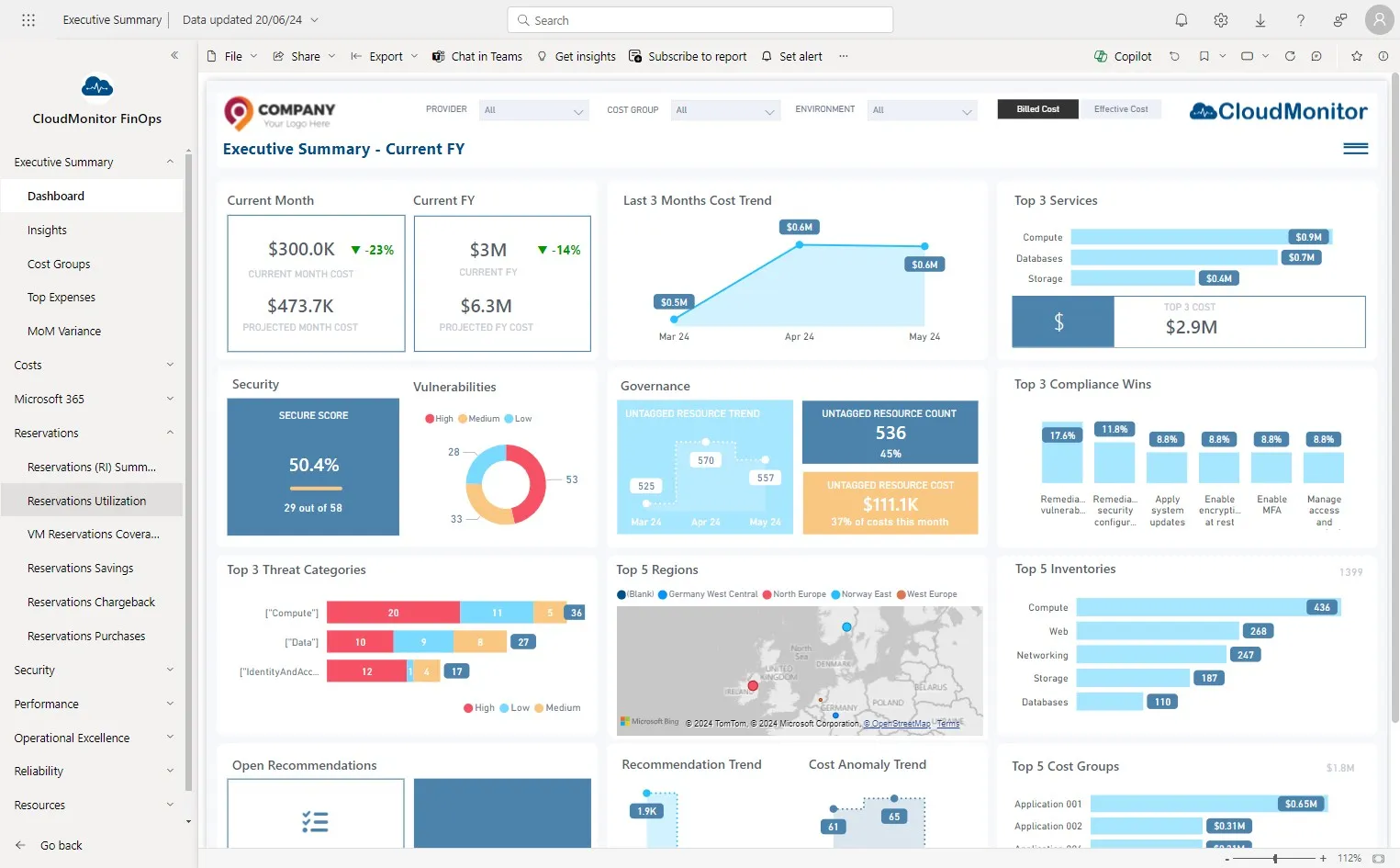
Step 2
Section titled “Step 2”Click “Reservations Utilization”
Step 3
Section titled “Step 3”Savings should appear here