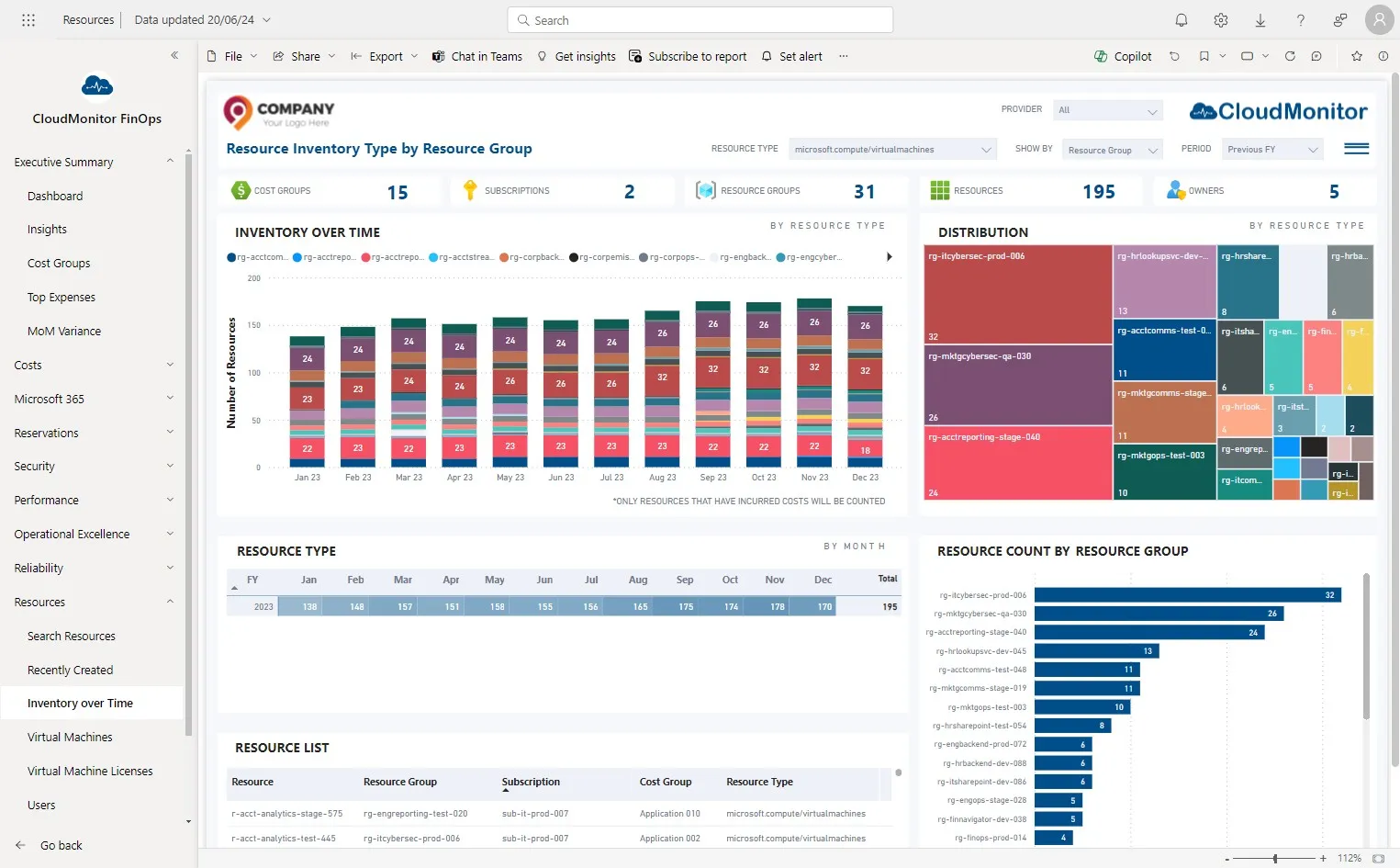
Check if VM usage is trending downwards
Step 1
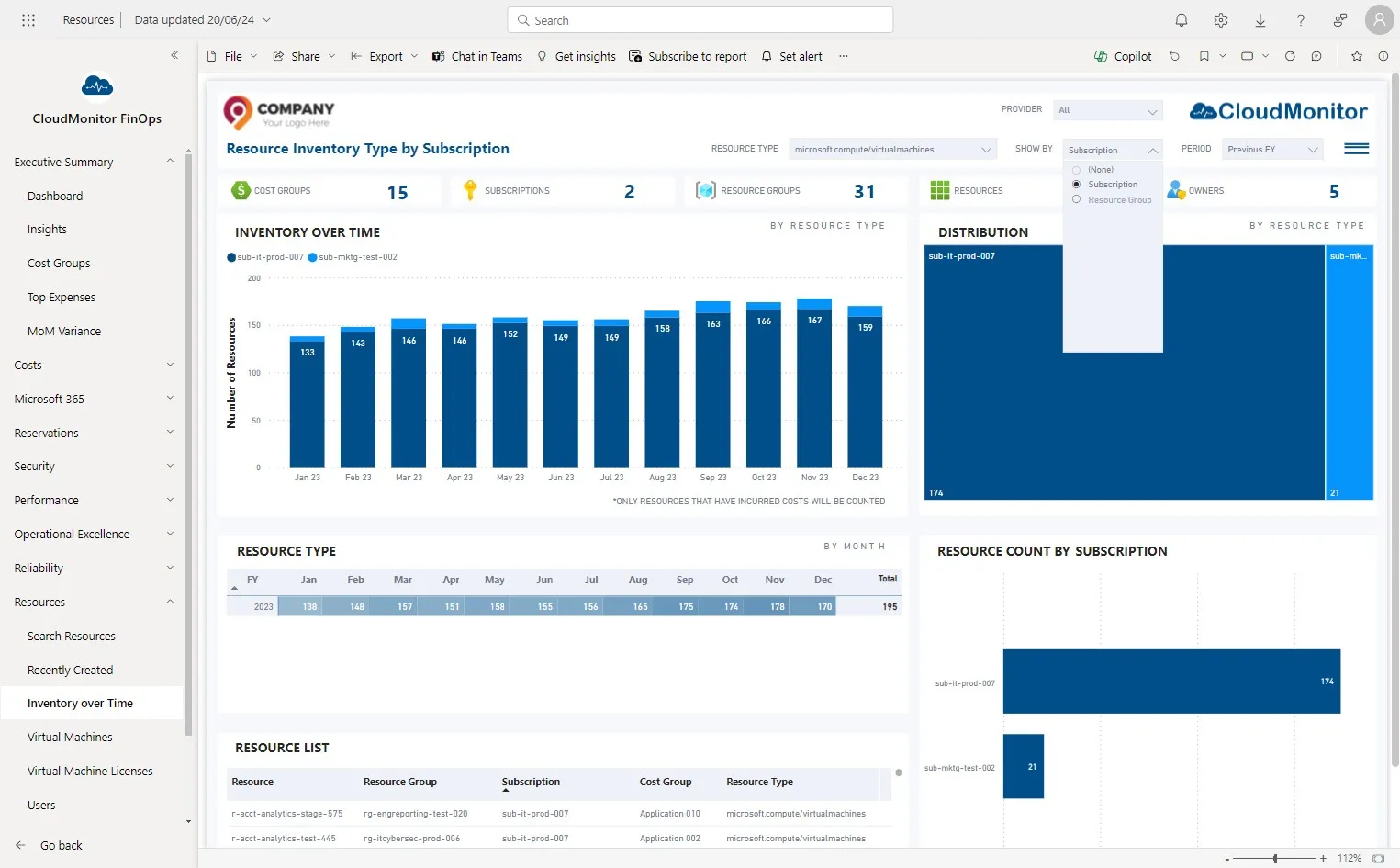
Section titled “Step 1”Navigate to Power BI app and Click on “Resources - Inventory over Time”
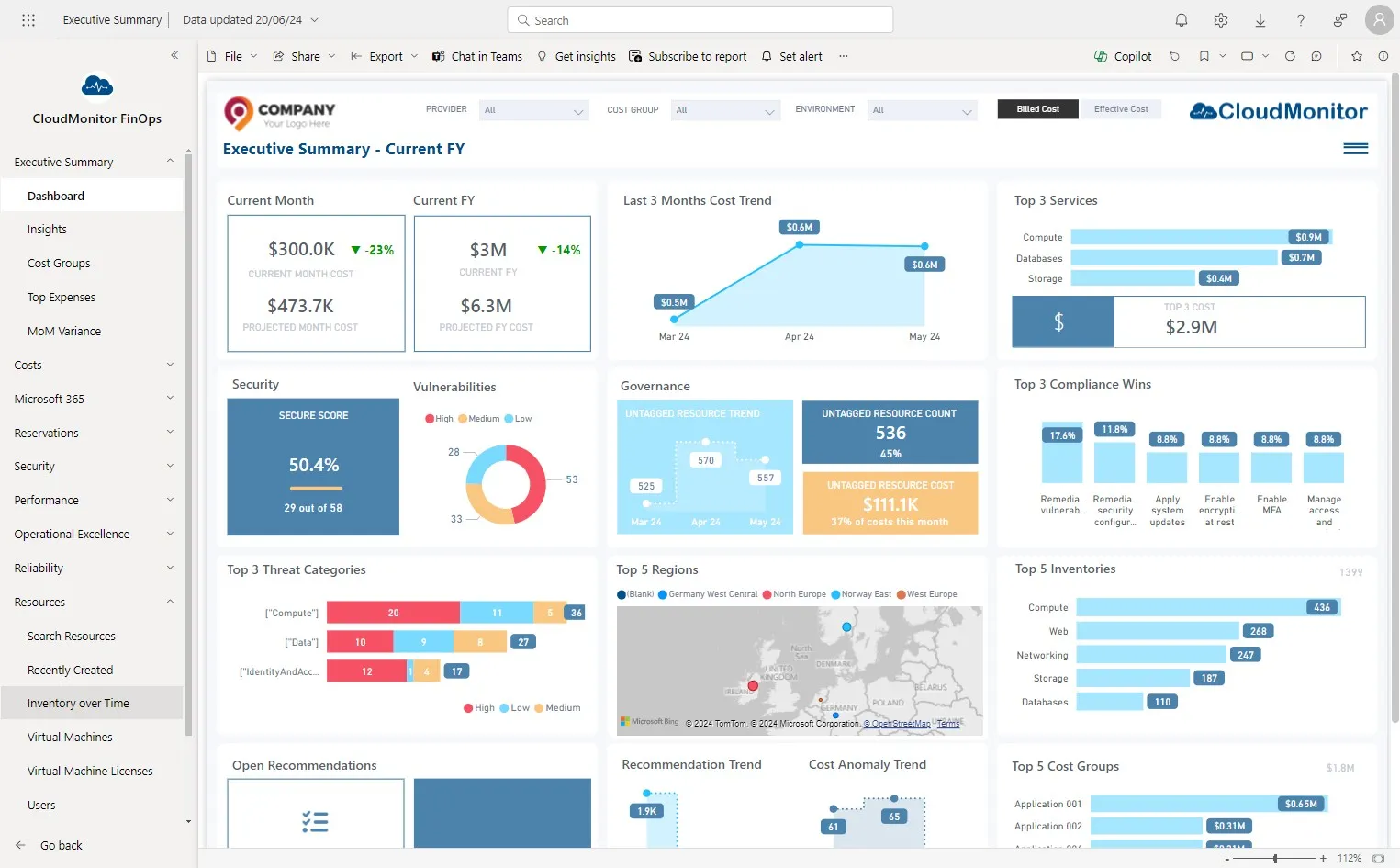
Step 2
Section titled “Step 2”Select “Virtual Machines” from “Resource Type” Slicer
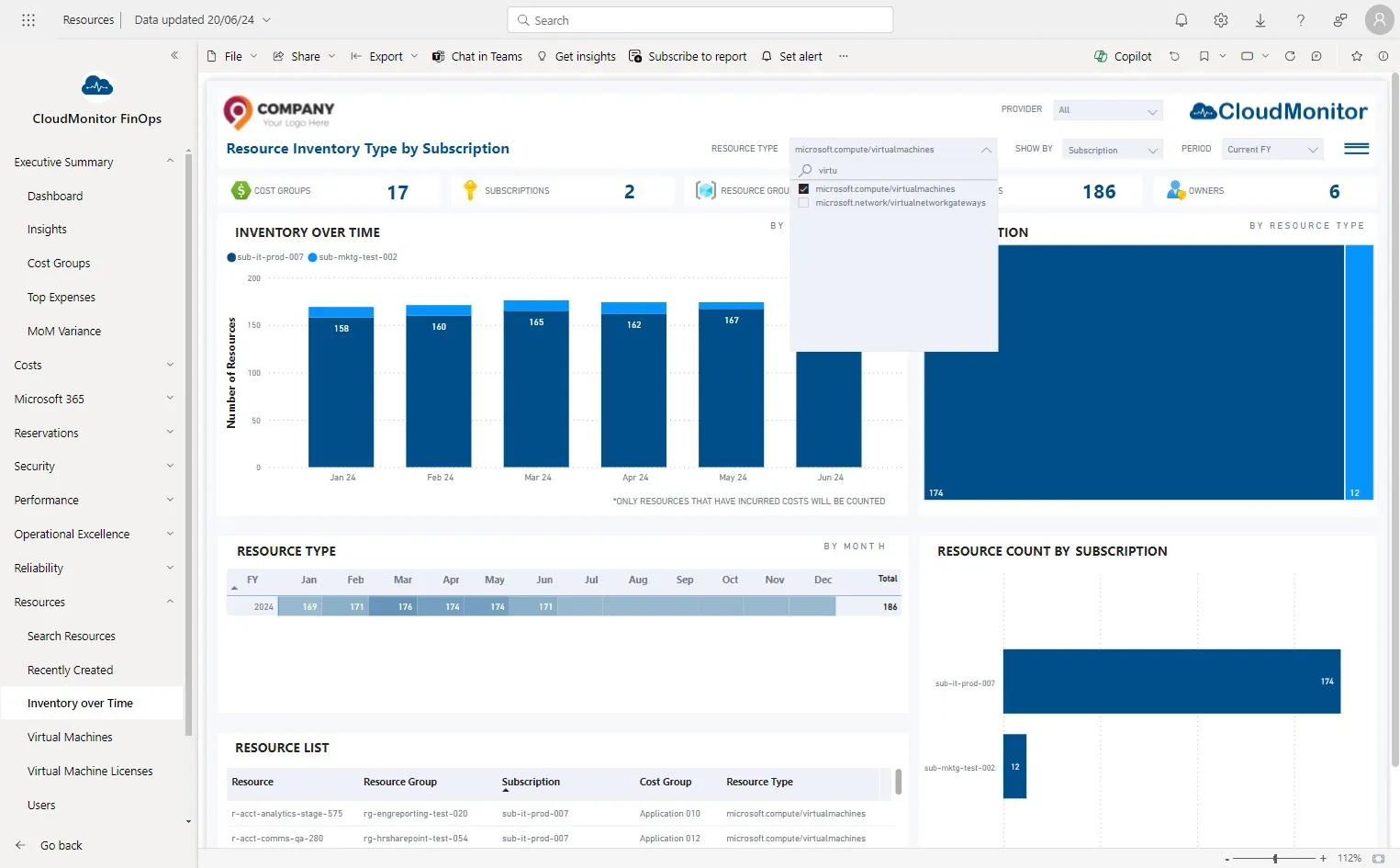
Step 3
Section titled “Step 3”Select the specific time period to be analyzed.
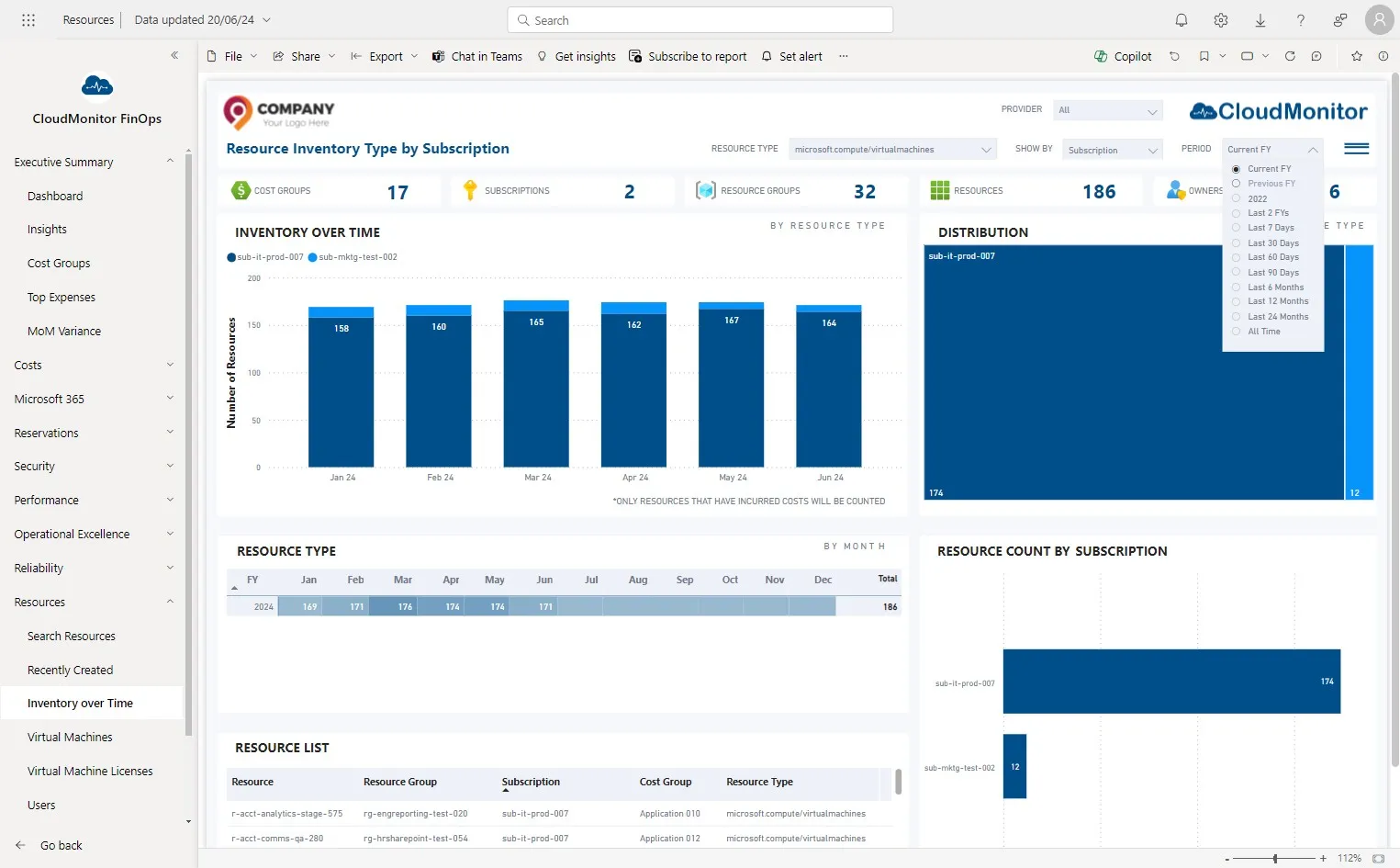
Step 4
Section titled “Step 4”Select the resource hierarchy level you need to visualise data
Step 5
Section titled “Step 5”From these visualisation users can identify the trend and investigate further by drilling down