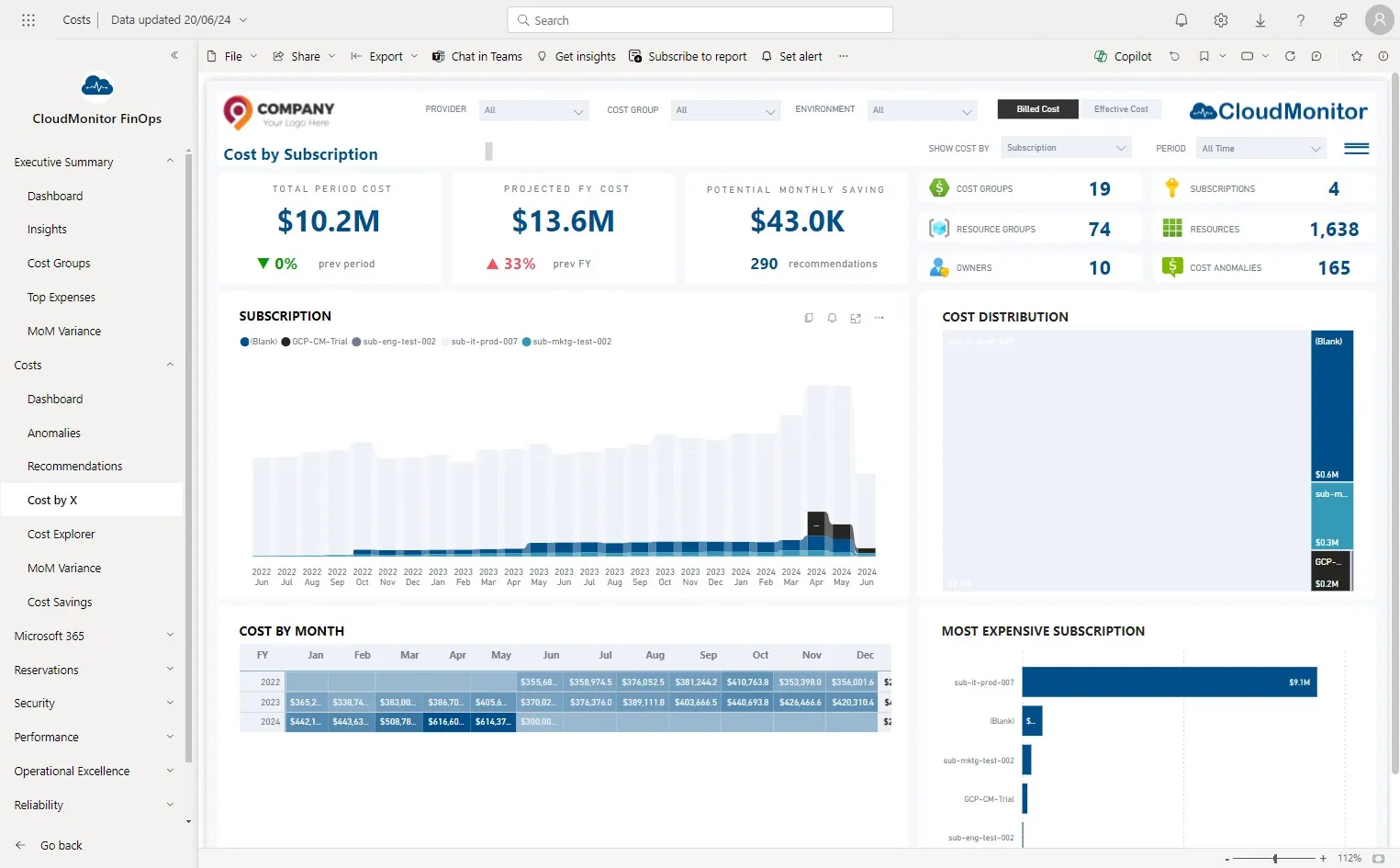
Identify Subscriptions to add to monitoring
To find out which subscriptions CloudMonitor is currently monitoring, please refer to the following guide:
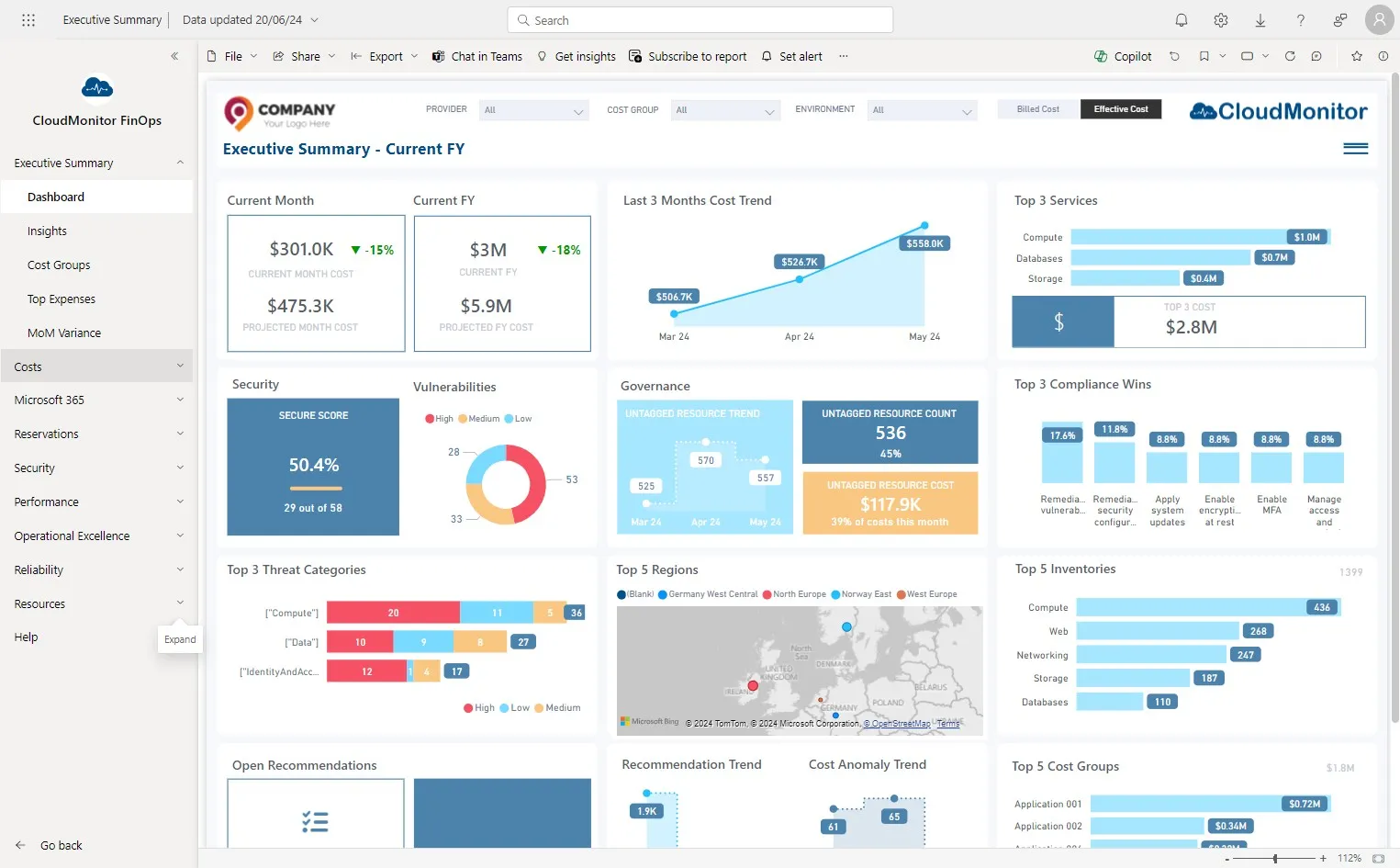
Step 1
Section titled “Step 1”Navigate to dashboard and click “Costs” page
Step 2
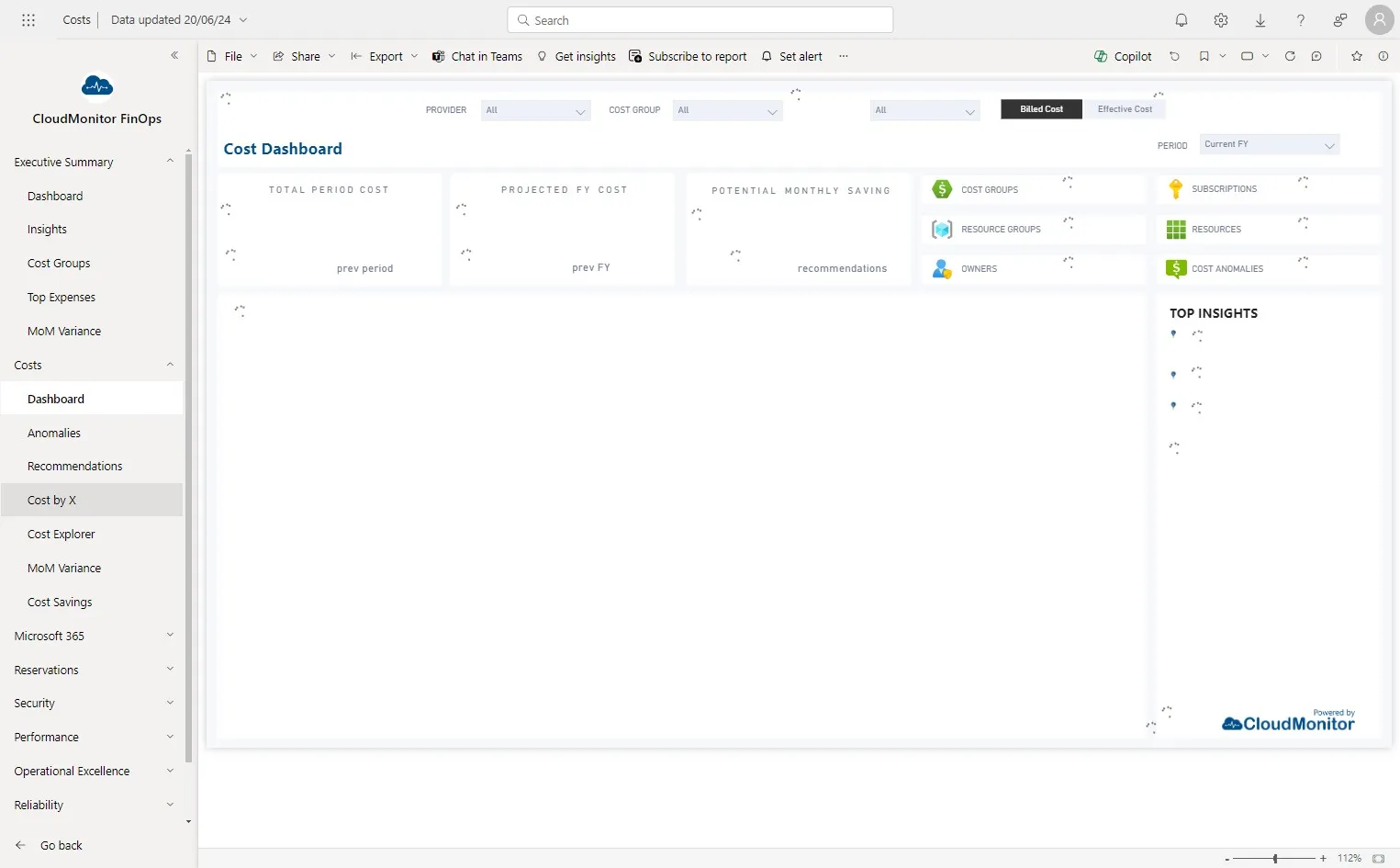
Section titled “Step 2”Click “Cost by X”
Step 3
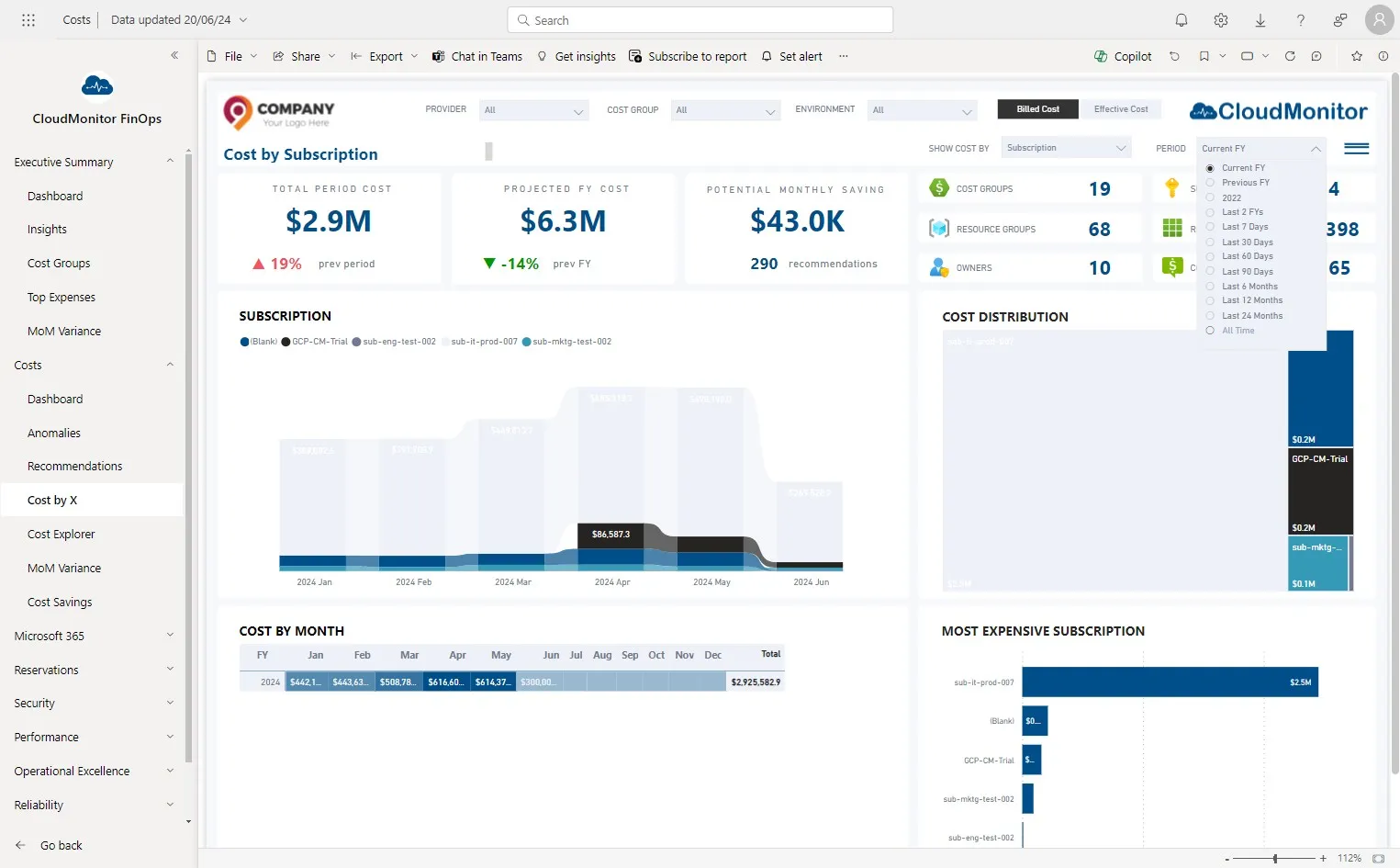
Section titled “Step 3”Click “All Time” in Period Slicer
Step 4
Section titled “Step 4”These are the Subscriptions which are monitored by CloudMonitor.