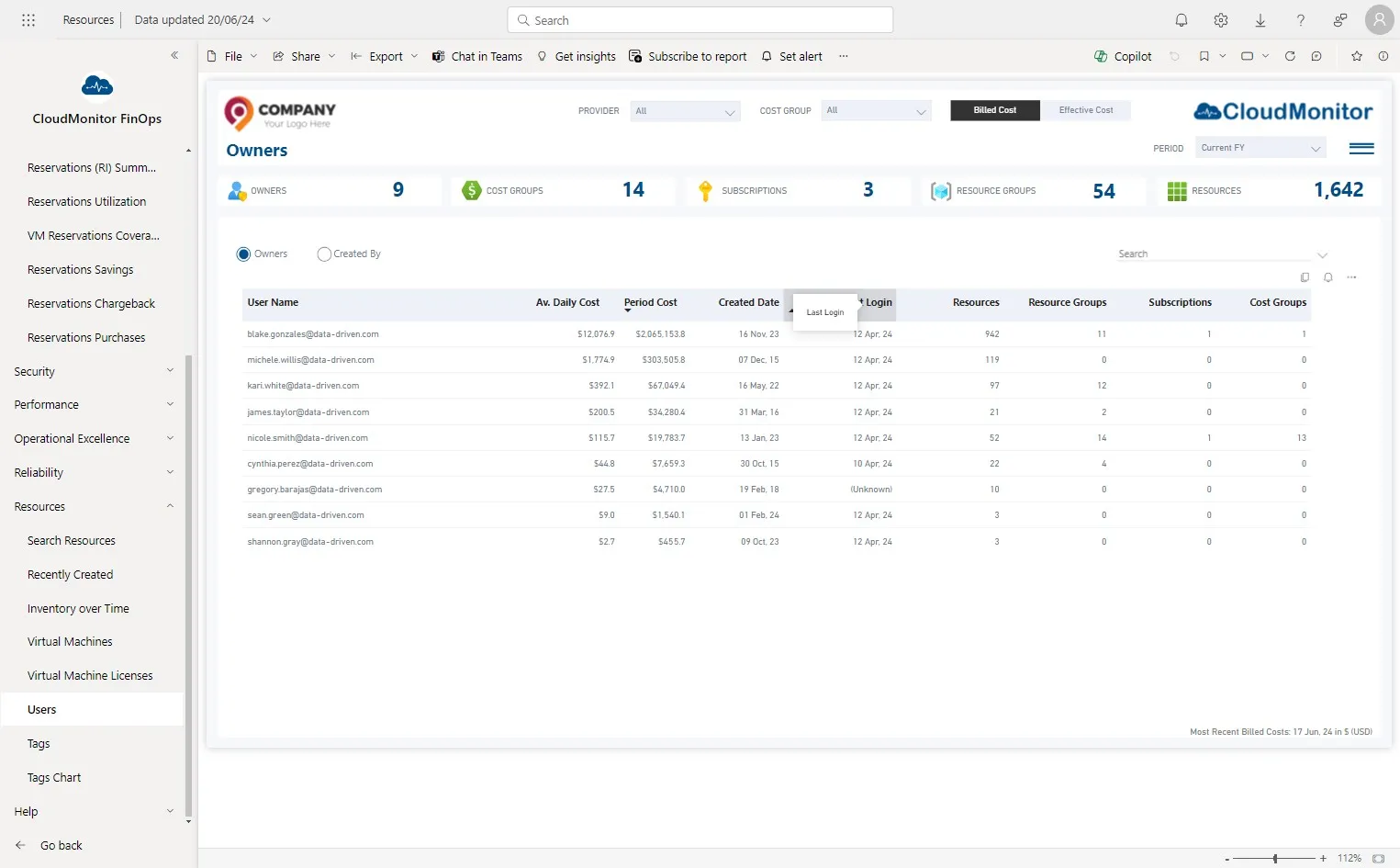
Check the user report for last logins
Customers are encouraged to monitor user activity by checking the user report, which displays the last logins of users. This allows them to ensure user engagement and determine if users are active on the platform.
Step 1
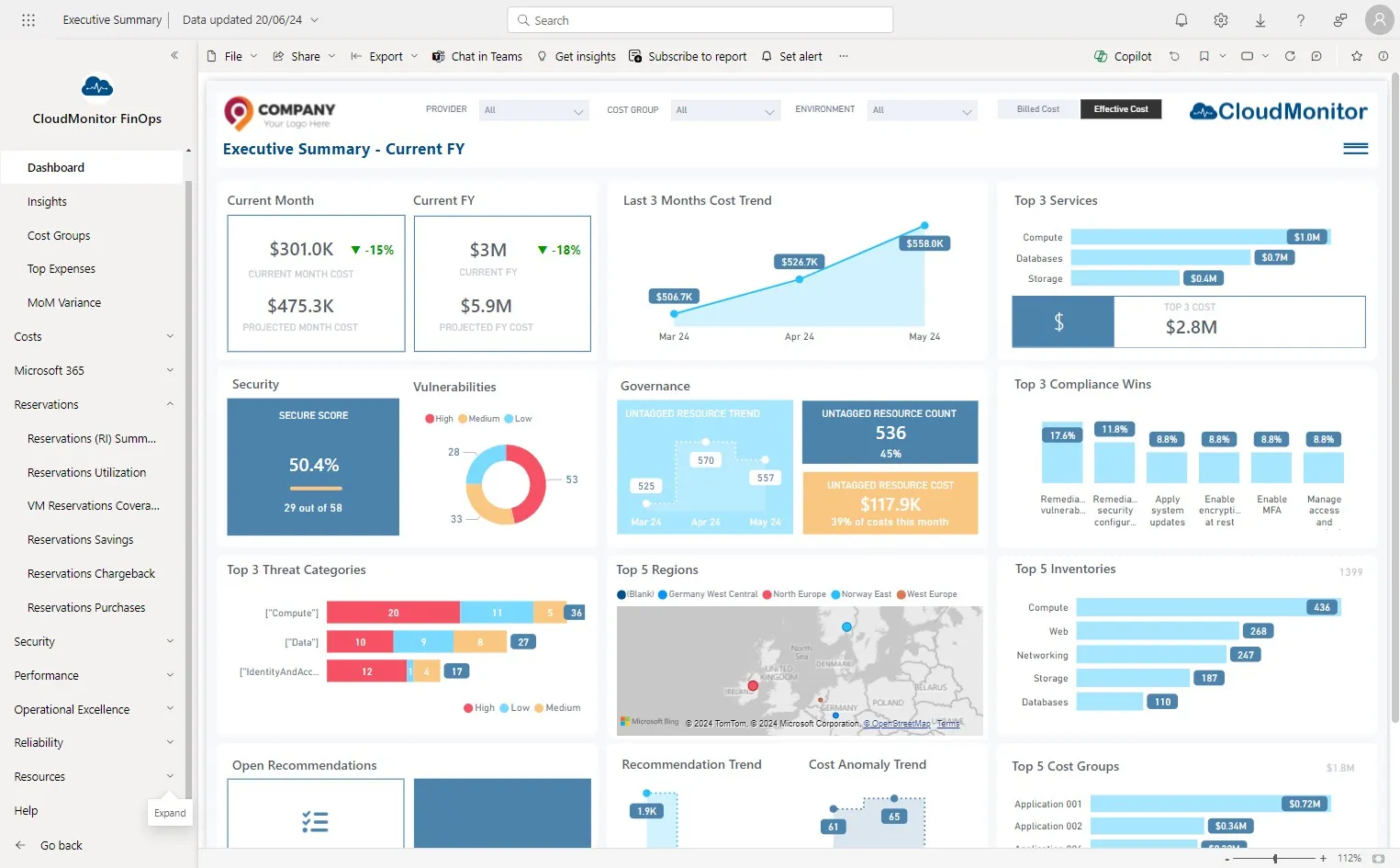
Section titled “Step 1”Navigate to CloudMonitor Power BI app and click on “Resources”.
Step 2
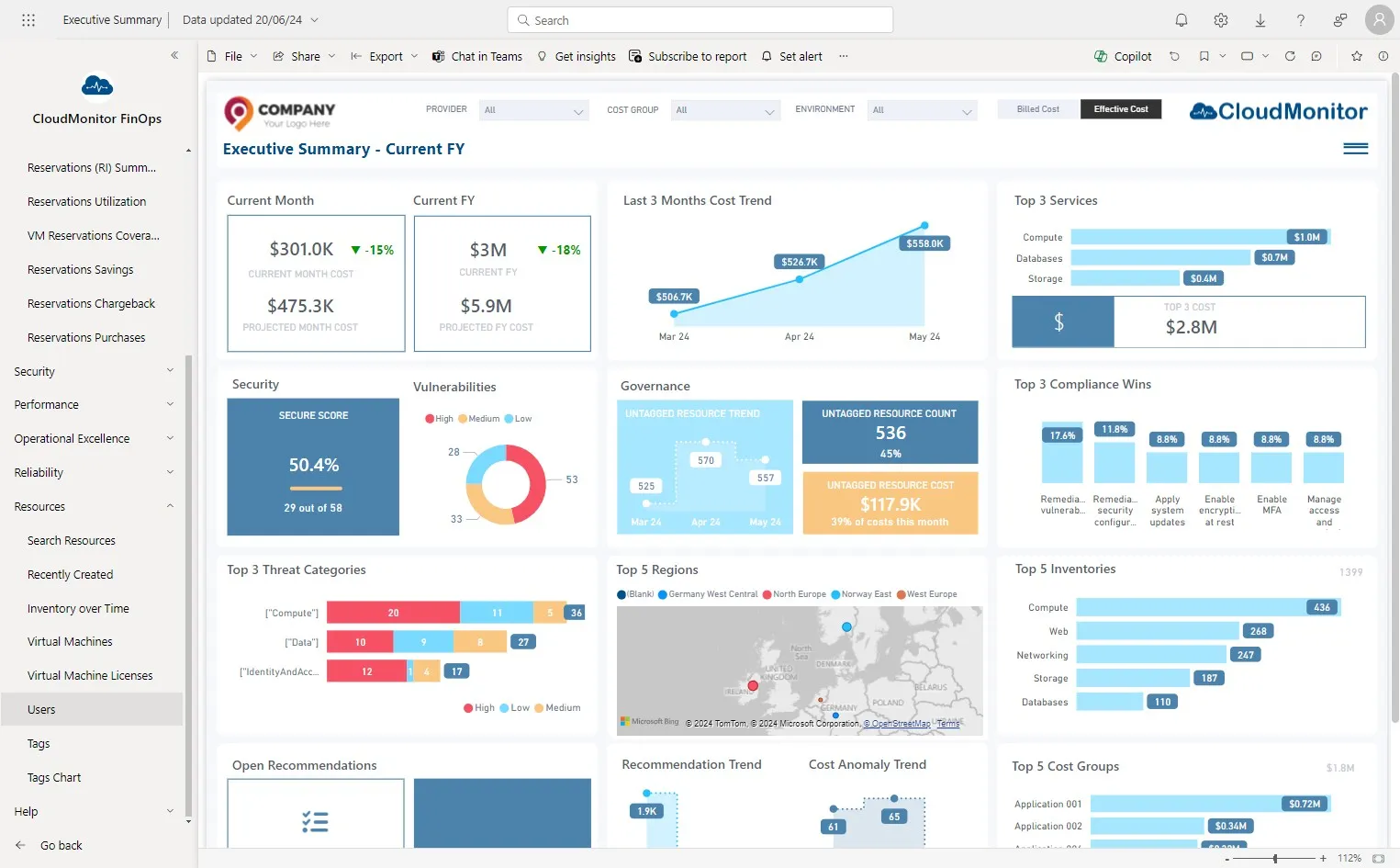
Section titled “Step 2”Click “Users”
Step 3
Section titled “Step 3”Check whether Last Login column is populating