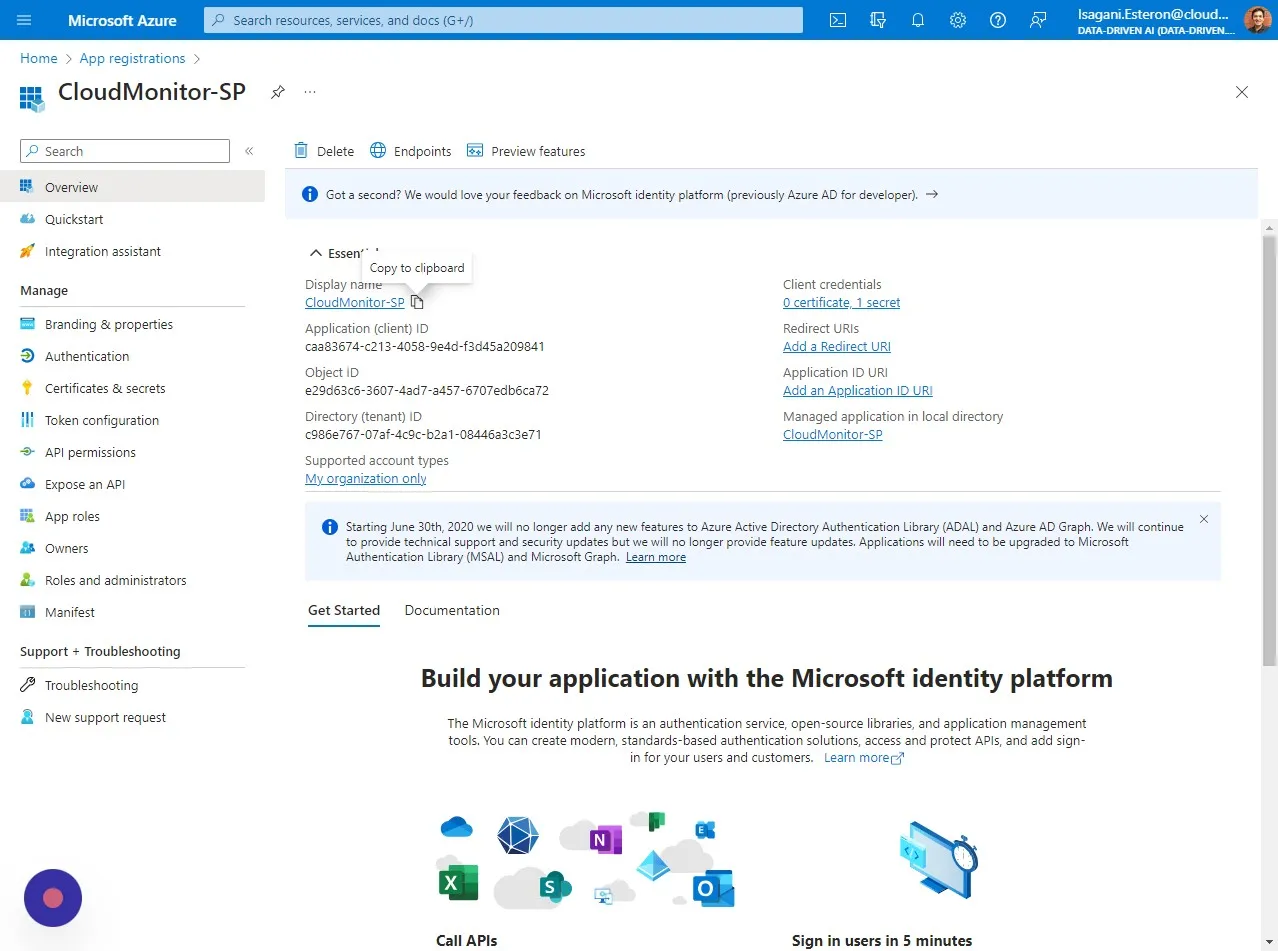
Access your AD Service Principal details legacy
Step 1
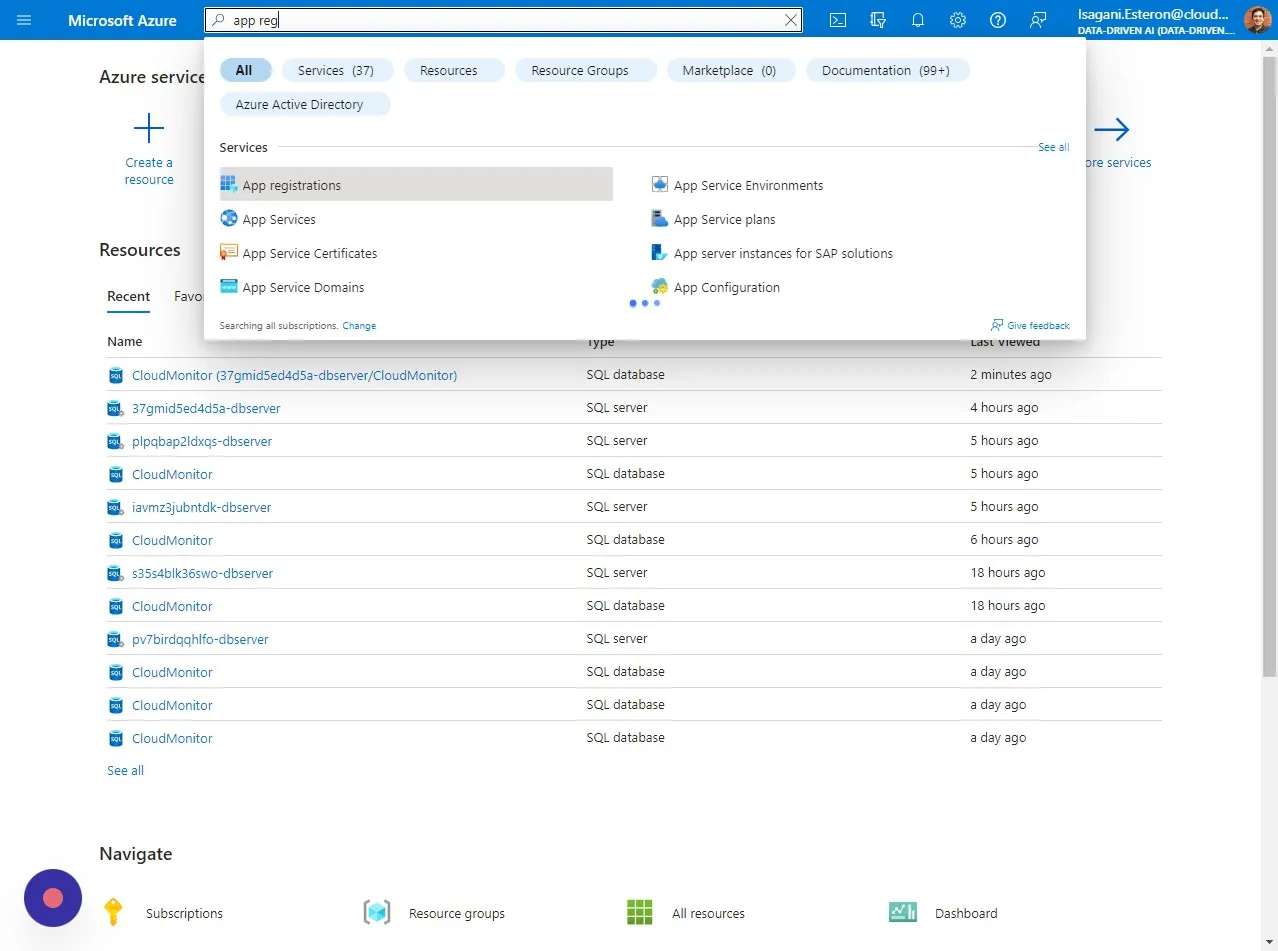
Section titled “Step 1”Head over to “App registrations” in your Azure Portal. You can easily do this by searching “App registrations” in the search bar
Step 2
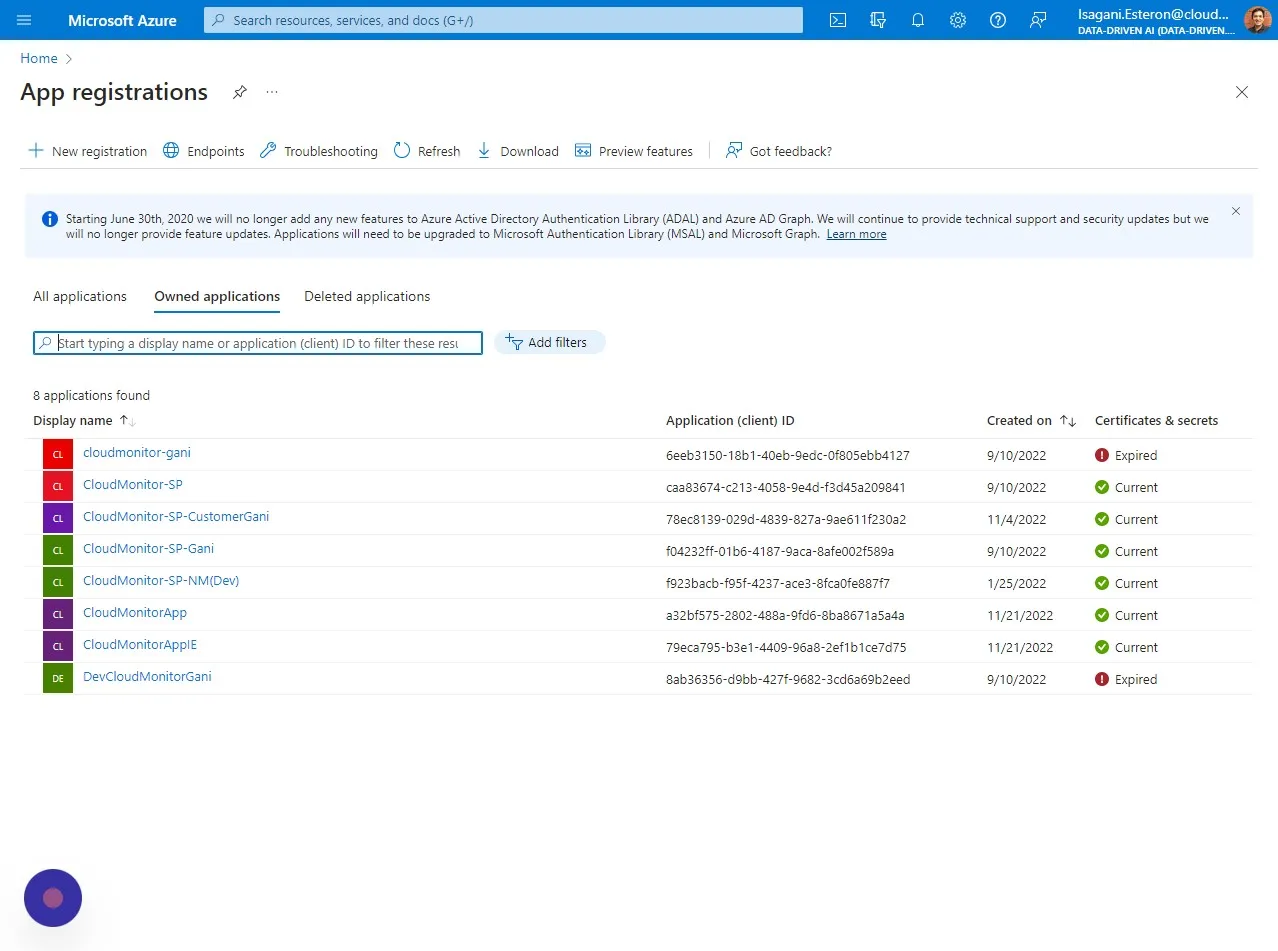
Section titled “Step 2”Inside “App registrations” you should be able to see the Service Principal you created for CloudMonitor in the list under “Owned applications”
Step 3
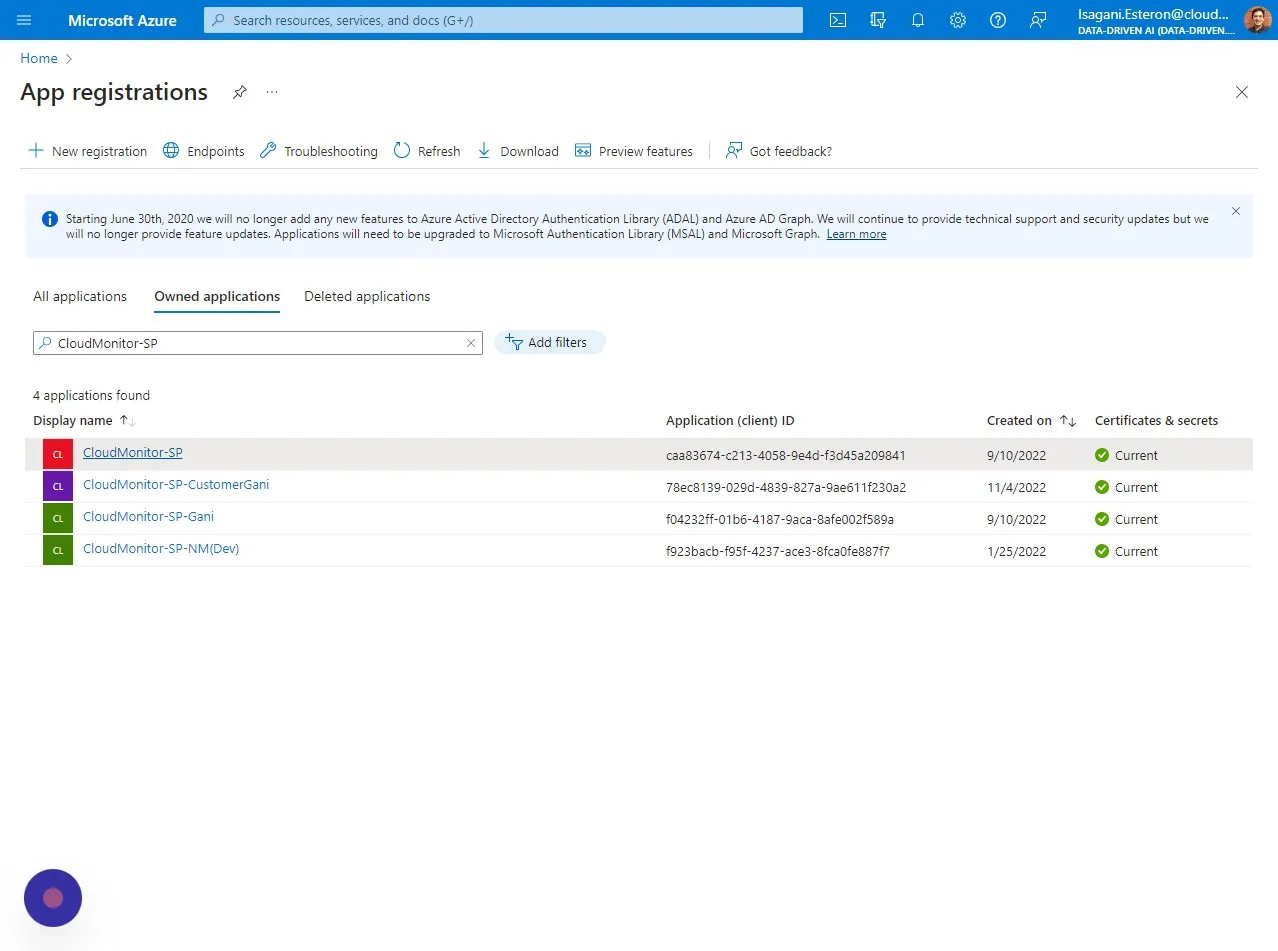
Section titled “Step 3”Click on the Service Principal from the list
Step 4
Section titled “Step 4”Copy the “Display name”