How to save and share a view
If you rebuild the same report arrangement every Monday, save it instead. Views work the same way on every grid in CloudMonitor.
Save one
Section titled “Save one”- Arrange the report — grouping, sorting, search, column visibility, whatever you need.
- Views in the toolbar.
- Save current as…, name it (up to 50 characters), press Enter or Save.
That’s it. The name appears in the menu and the view is yours.
Use one
Section titled “Use one”Open Views and click it. The button then shows its name, so you always know which arrangement you’re looking at.
Two controls appear beside an active view:
- × — Clear view (reset to default), going back to the report’s default arrangement.
- Trash — deletes the saved view.
Keep it up to date
Section titled “Keep it up to date”Change anything while a view is applied and a dot appears on the button, titled Unsaved changes. The menu then offers Update ”…” to overwrite the saved arrangement with what’s on screen.
Changes are not saved automatically. Navigating away without updating leaves the saved view as it was, which is usually what you want.
Reset to default discards everything and returns to how the report ships.
Share a link
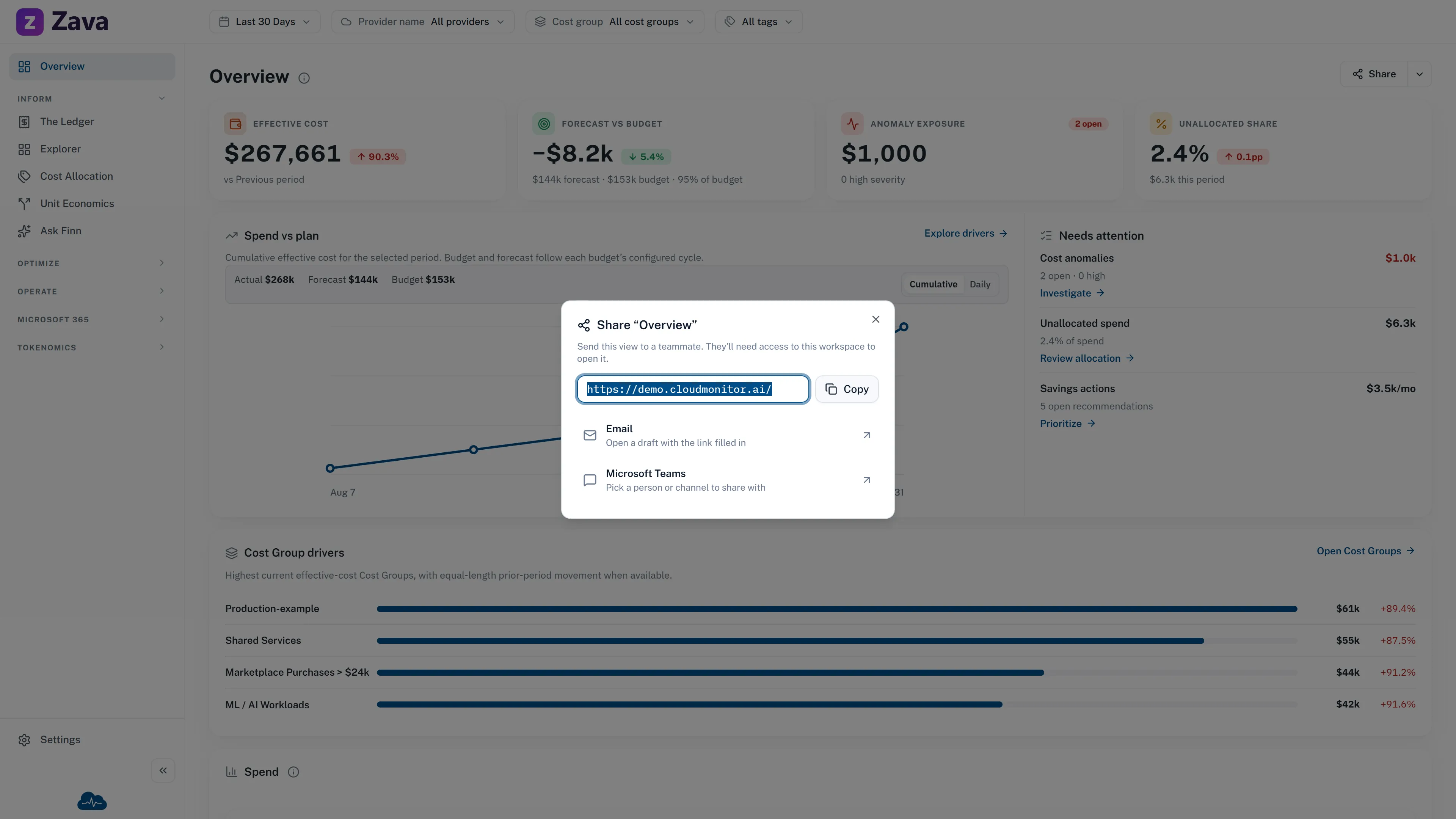
Section titled “Share a link”The page address follows what you’re looking at, including the active view. Copy it from the browser and whoever you send it to opens on the same arrangement.
Some screens also have a share control in the header that does this for you.
Two things to know before you send one:
- They see their own data, not yours. A link carries the arrangement, not permission. If the recipient isn’t a member of a cost group in the view, their version will be emptier than yours. See Roles and access.
- Virtual tag filters travel; some others may not. If the numbers matter, say in the message what period you were looking at rather than relying on the link alone.
Where views live
Section titled “Where views live”Per report and per person. Your saved views on The Ledger don’t appear on the Explorer, and nobody else sees them.
They follow you between devices, and they’re kept if you’re offline for a moment — a view you save during a blip isn’t lost.
An empty menu
Section titled “An empty menu”No saved views yet. — nothing saved on this report. Arrange it and use Save current as….
Worth saving
Section titled “Worth saving”- The grouping you always start from on The Ledger.
- A cost group scoped to your team, ready for a weekly check.
- A rate-based analysis on the Explorer — those take the longest to rebuild and are the most valuable to keep. See The Explorer.